
02 — member app
Your space, in
every member's pocket.
Bookings, community, chat, invoices, parcels and check-in — all in one app, available on iOS, Android and web. Everything members need, without the back-and-forth with the front desk.
 Live · app.tersos.io
Your branding
The app carries your name, logo and colours from the first screen, before anyone signs in.
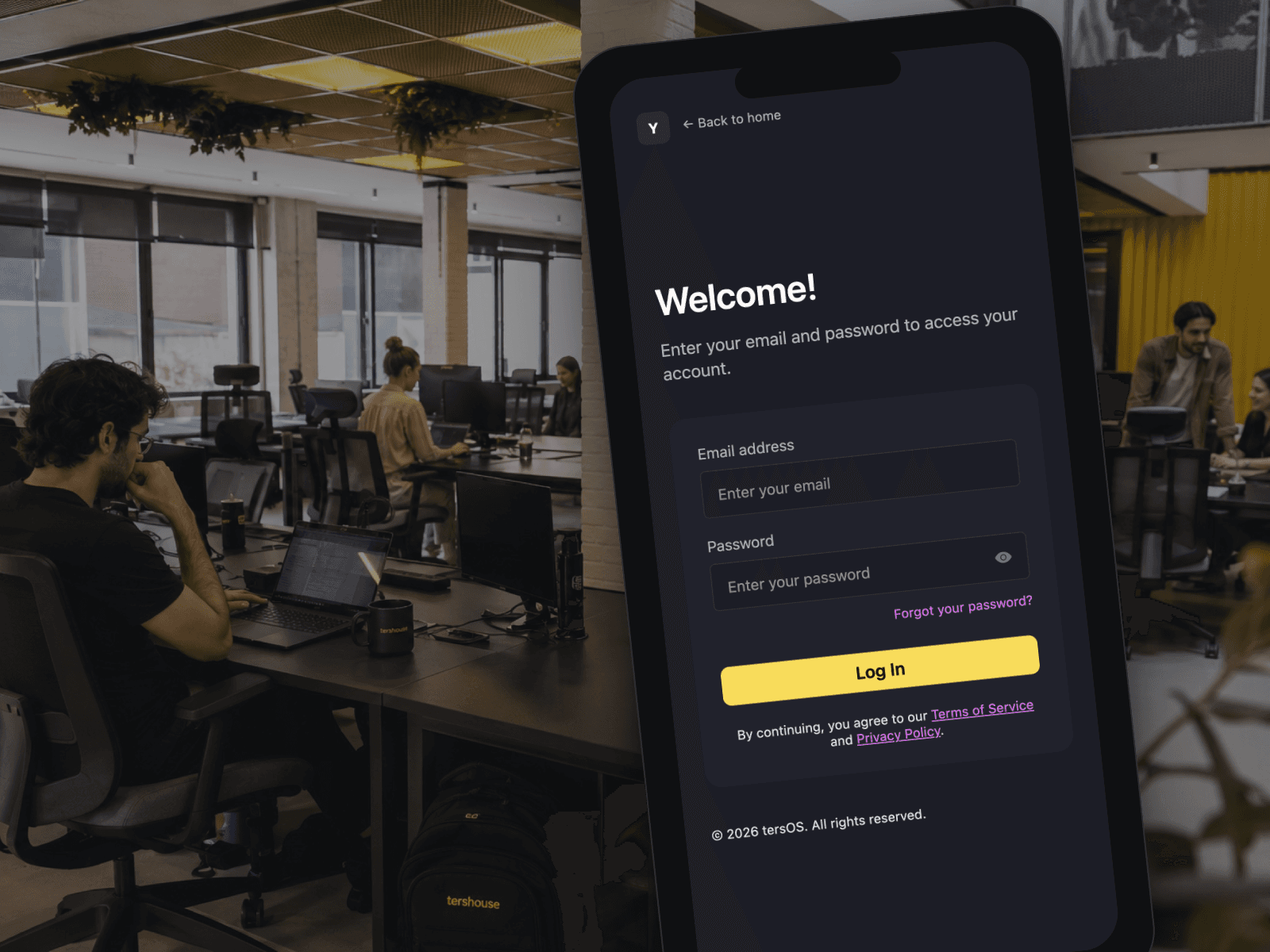
Members open the app and see your name, logo and colours from the first screen. They sign in with their email, reset a forgotten password on their own, and stay signed in.
The sign-in screen on a phone, in the space.
The mark in the corner and the colours are yours. A member who was invited by email, or who received an activation link, sets up their account first and then signs in like everyone else.
- Your logo and colours on the sign-in screen
- Password reset from the sign-in screen
- Account activation and setup from an emailed link
Bookings and desk days
Members see live availability and book a room without asking the front desk.
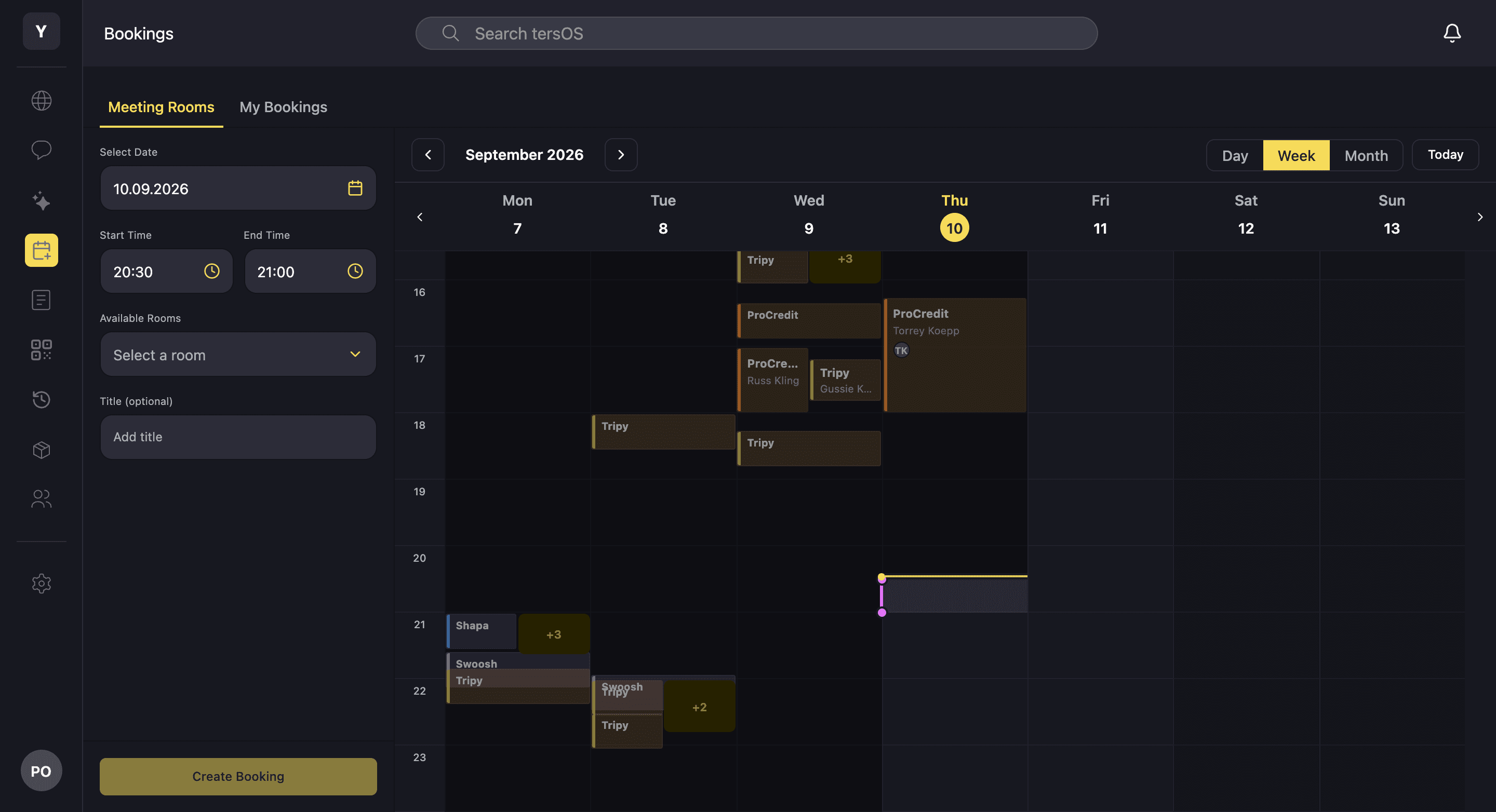
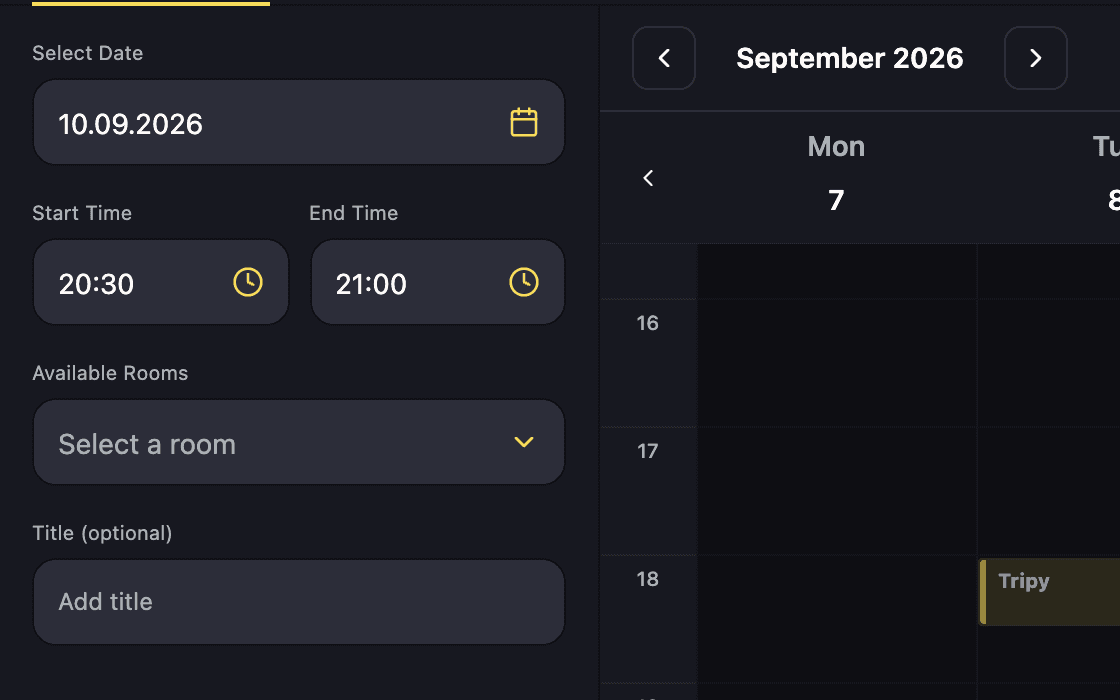
The bookings tab shows the same calendar your staff use, with every room across the week. A member picks a date, a time and a free room, and the booking is made on the spot. Their own bookings can be changed or cancelled from a list, and desk days are booked the same way.
Pick a date, a time and a free room
Only rooms that are free at the chosen time are offered; a title is optional.
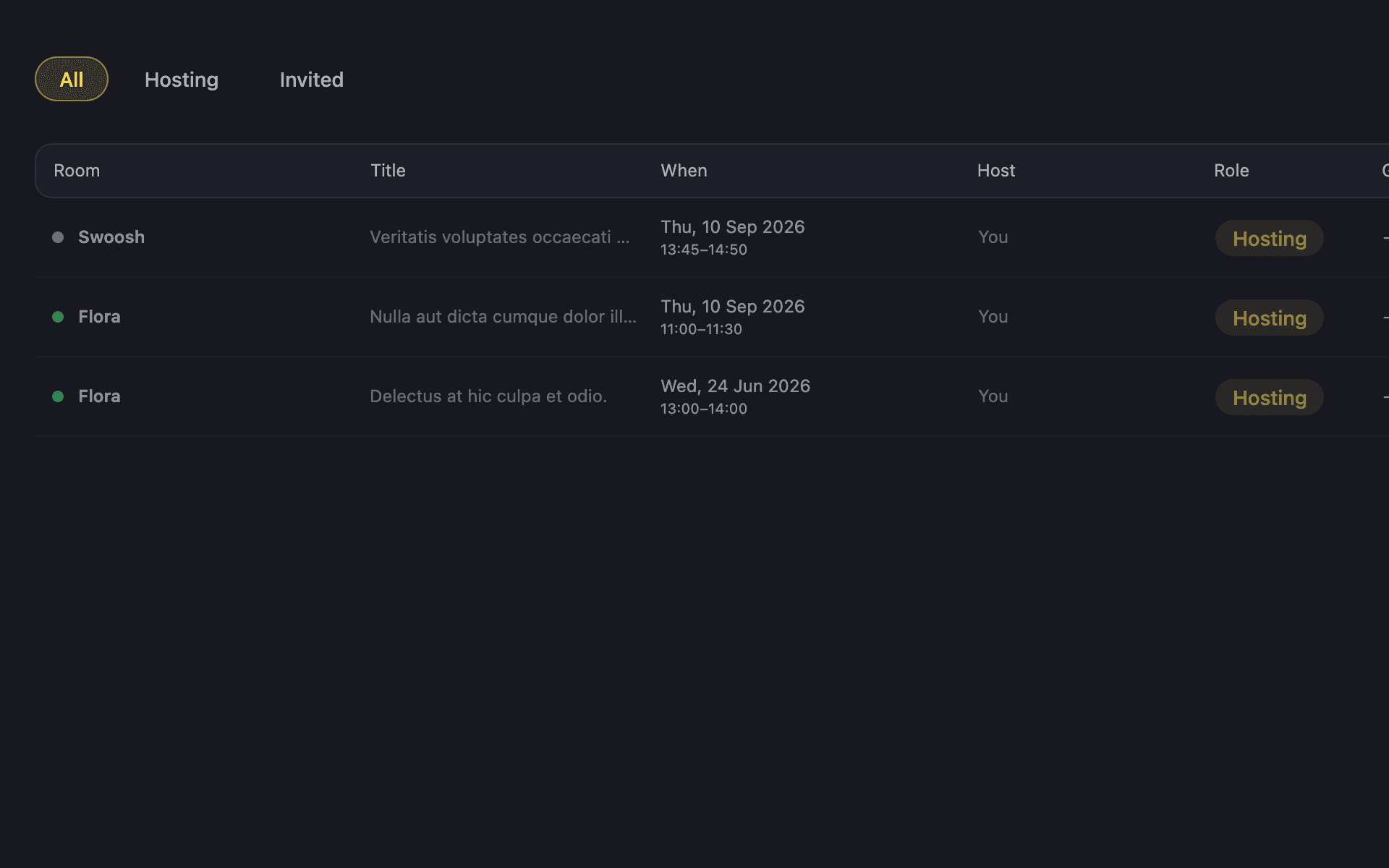
Your own bookings, hosted or invited
Upcoming and past bookings with the room, the time and the member’s role.
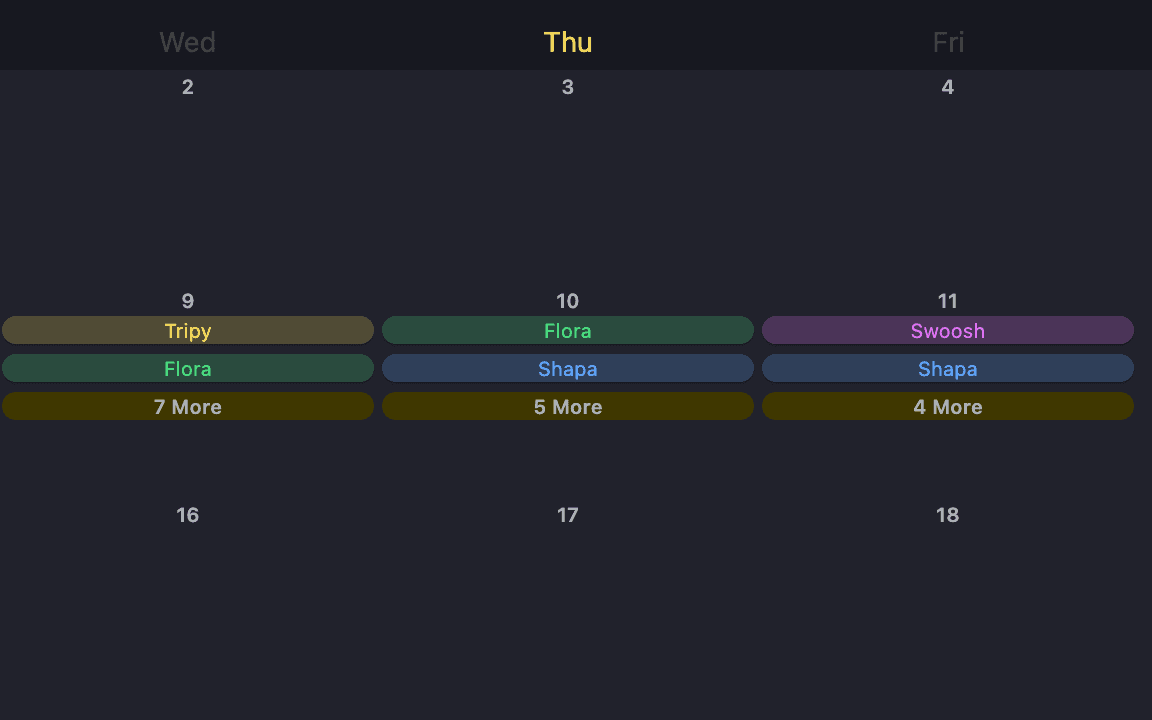
The month at a glance
Your space’s bookings by room, so a team can see when the boardroom is busy.
Invoices
Every invoice is in the app with its PDF, and the month’s running tab is visible before it closes.
The invoices tab lists everything issued to the member, with a summary of what is owed. Opening one shows the totals, the items, the payments made so far and the PDF. Team admins see the team’s invoices as well as their own.
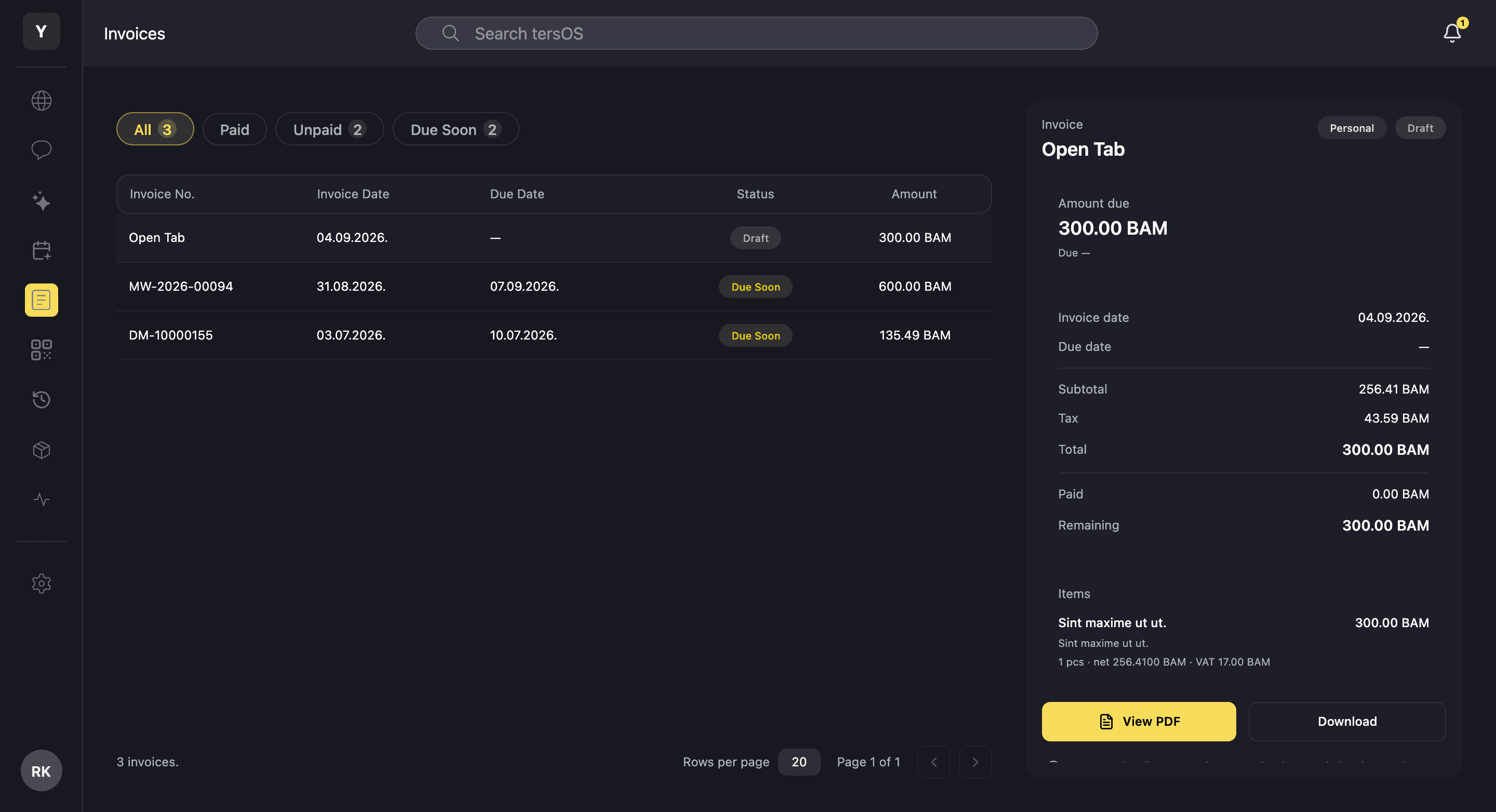
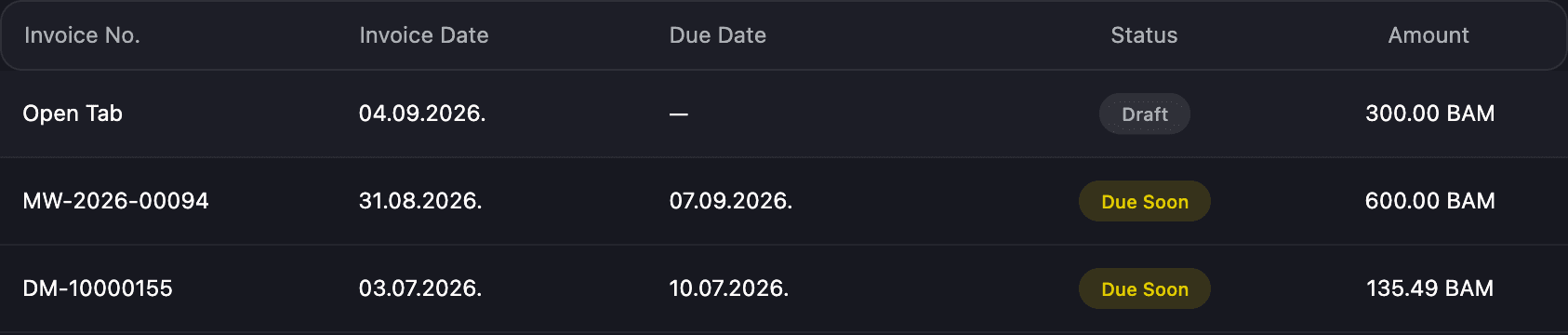
A status on every row
Draft, due soon, overdue or paid, with the invoice date, due date and amount.
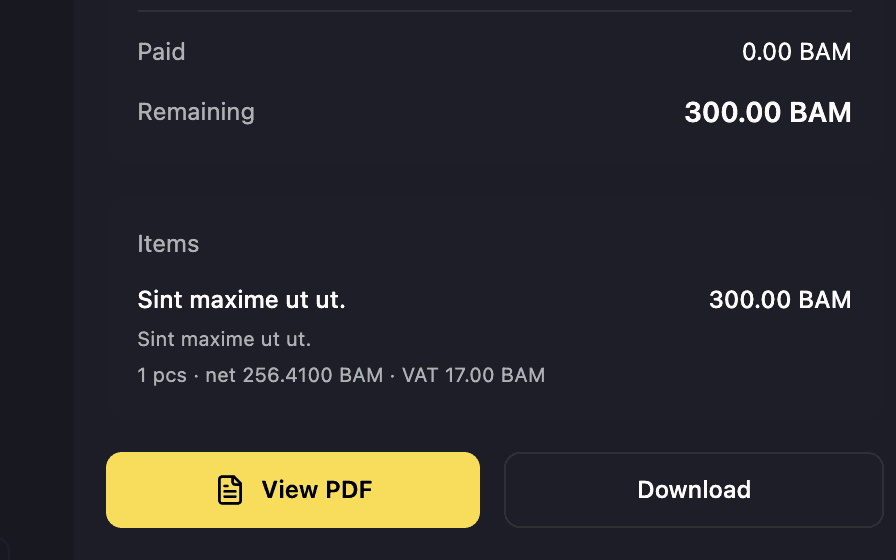
The PDF, viewed or downloaded
Paid and remaining amounts, the items, and the same PDF the backoffice sent.
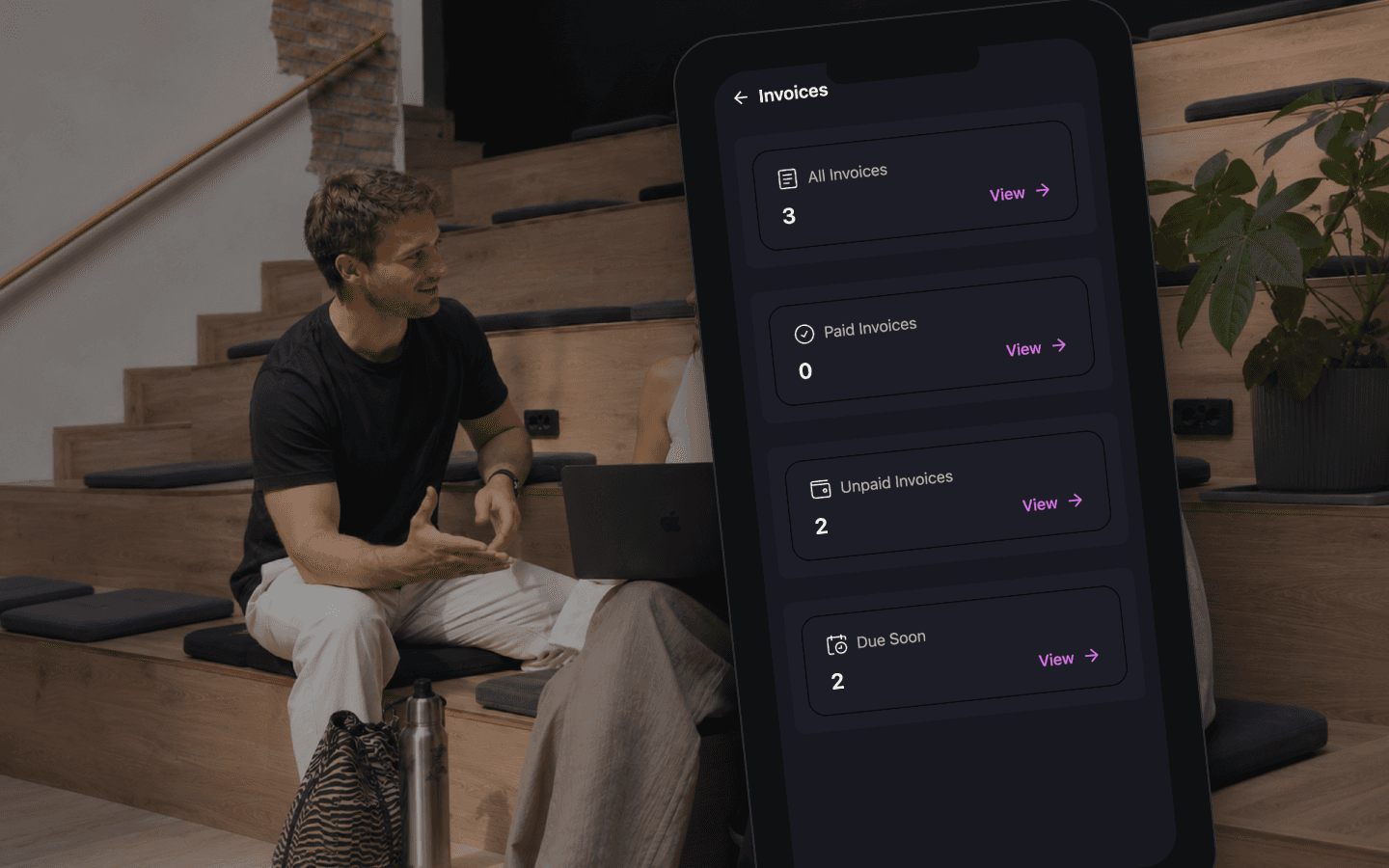
The same invoices on the phone
Counts for all, paid, unpaid and due soon, each opening the list.
Parcels, check-in, visits
Check in from the app, see what has arrived at the front desk, and look back at every visit.
A member checks in by scanning the poster or typing its code, and the app tells them if a pass has run out. Parcels that arrive for them show up with a status, from arrival to pickup. Every check-in is kept as a visit they can look back on.
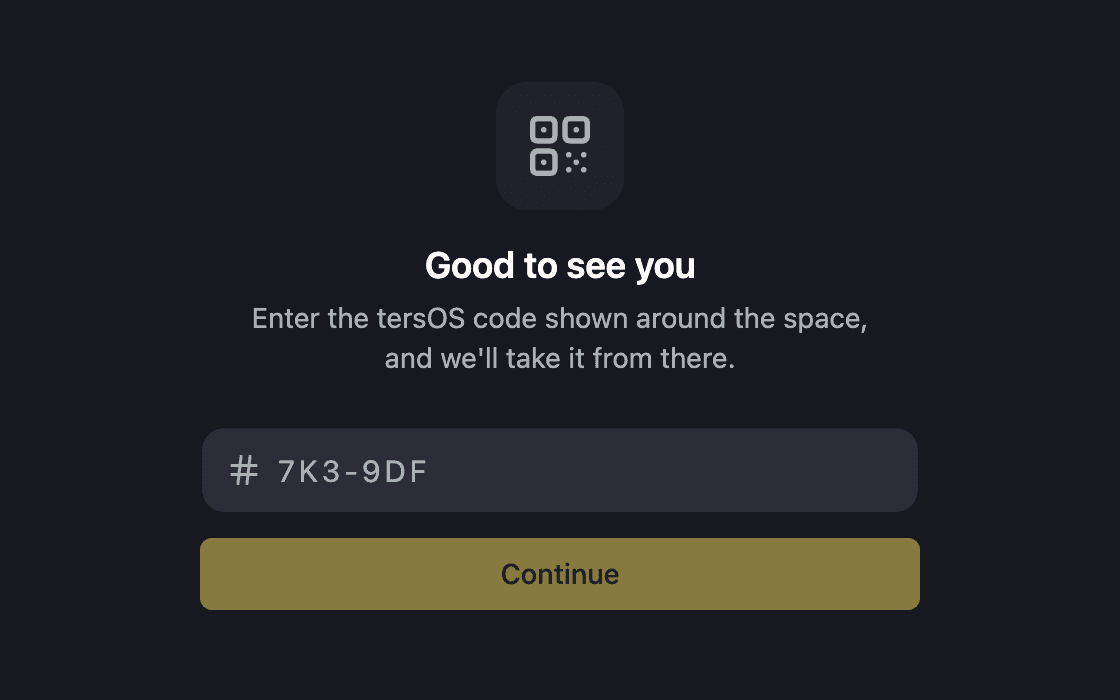
Check in with the code on the poster
Scan the QR poster or type the short code; the front desk sees who is in.
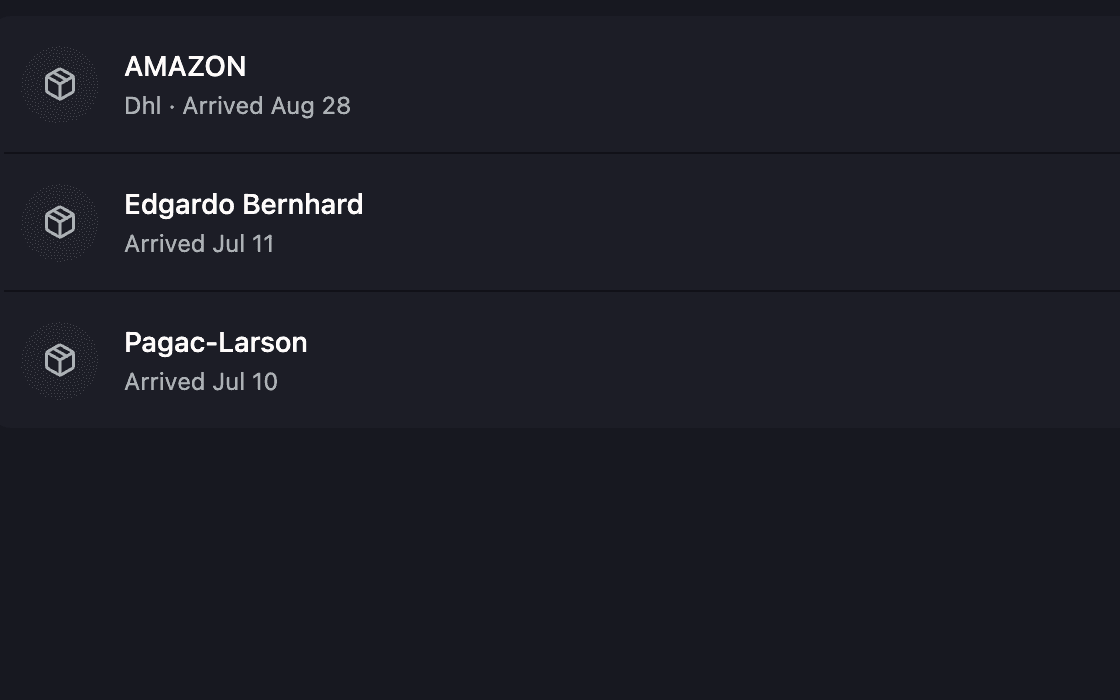
Parcels from arrival to pickup
Each parcel shows whether it is incoming, waiting at the desk or picked up.
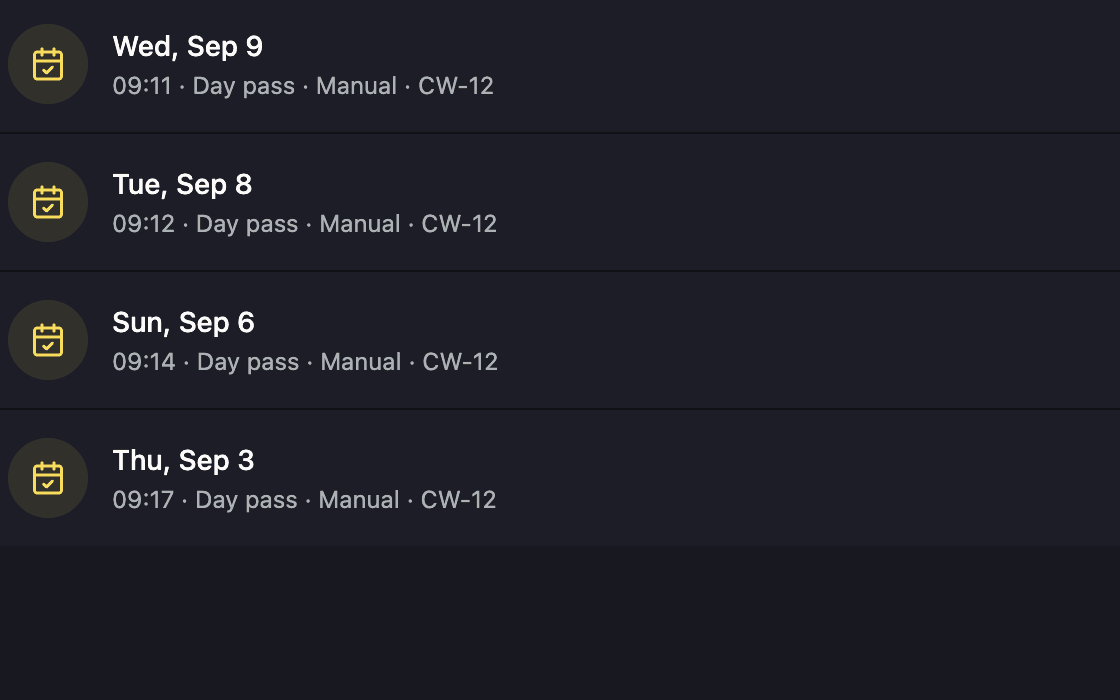
A history of every visit
The member’s own check-ins, each one opening to its details.
Community and notifications
The feed, the chat and the notifications are in the same app, and members choose what reaches their phone.
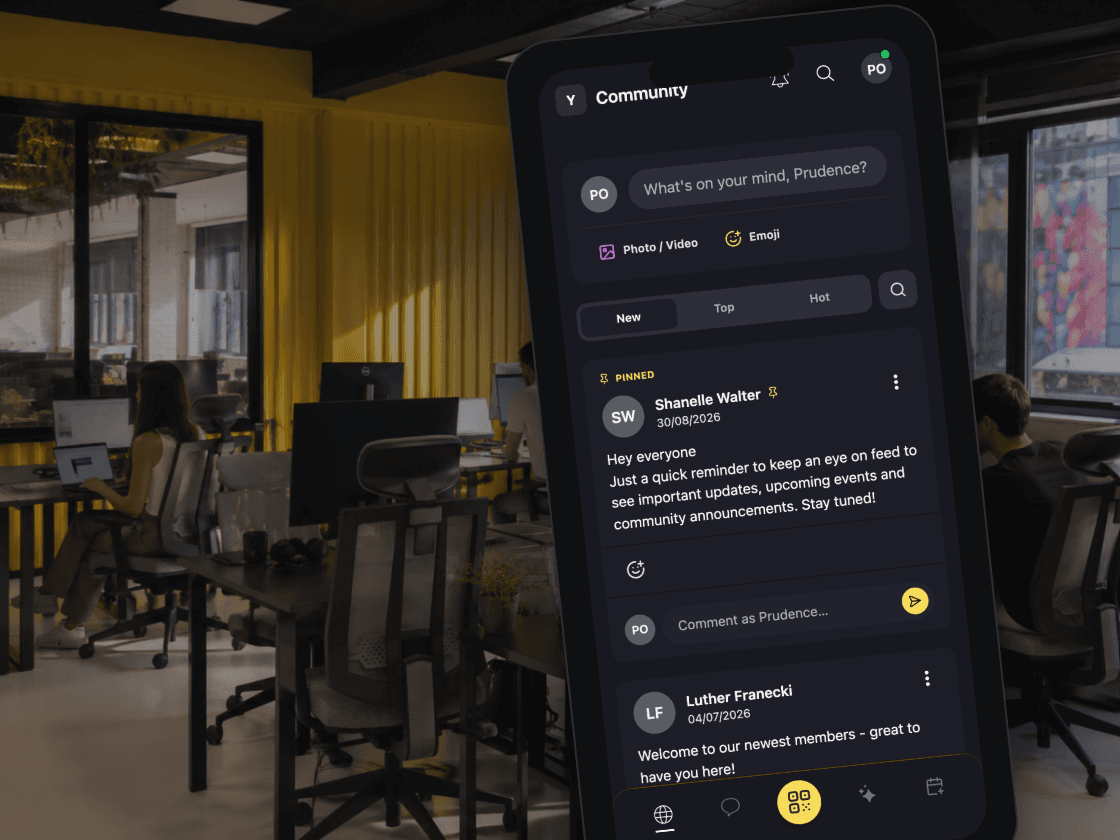
The community feed, its channels and the chat are all in the app. Notifications arrive in one list with an unread count and a mark-all-read button. Each kind of notification can be switched on or off for push, email and in-app separately.
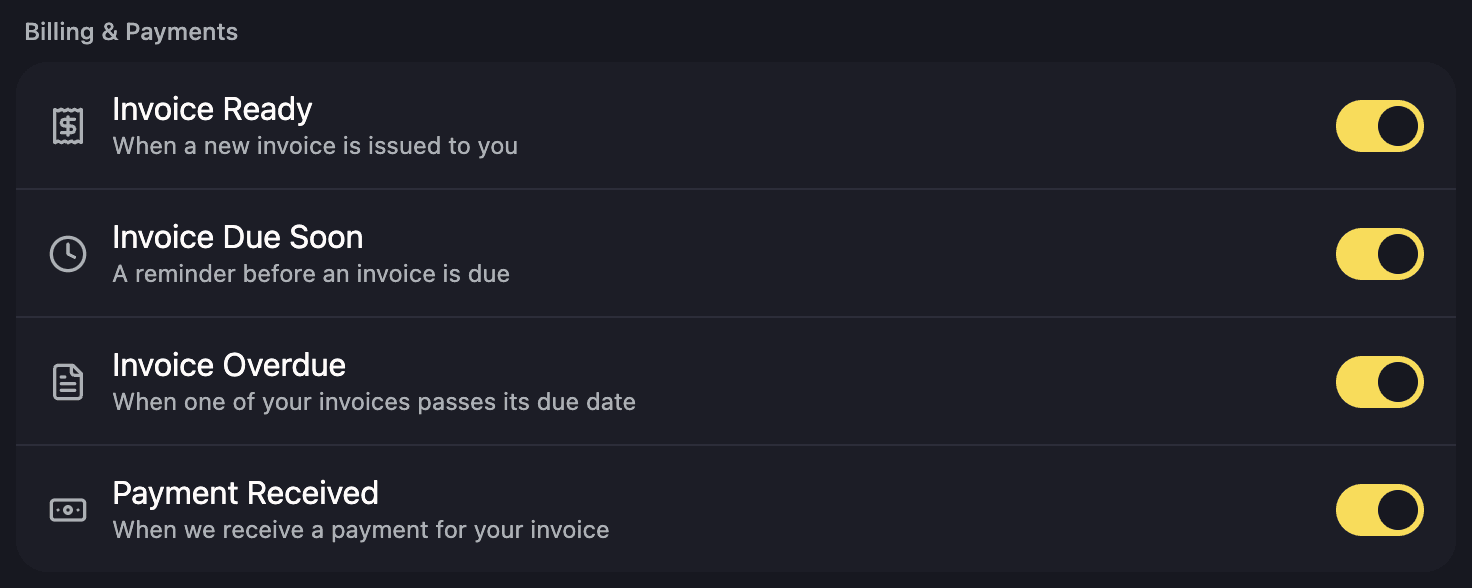
Notification settings, one toggle per event.
Members choose which of these reach them: an invoice ready, due soon or overdue, a payment received, the daily brief, a teammate arriving, event reminders, mentions, replies and direct messages, and a parcel arriving or being picked up.
- Unread count and mark all as read
- Members choose what reaches their phone
- Separate settings for push, email and in-app
Where it shows up
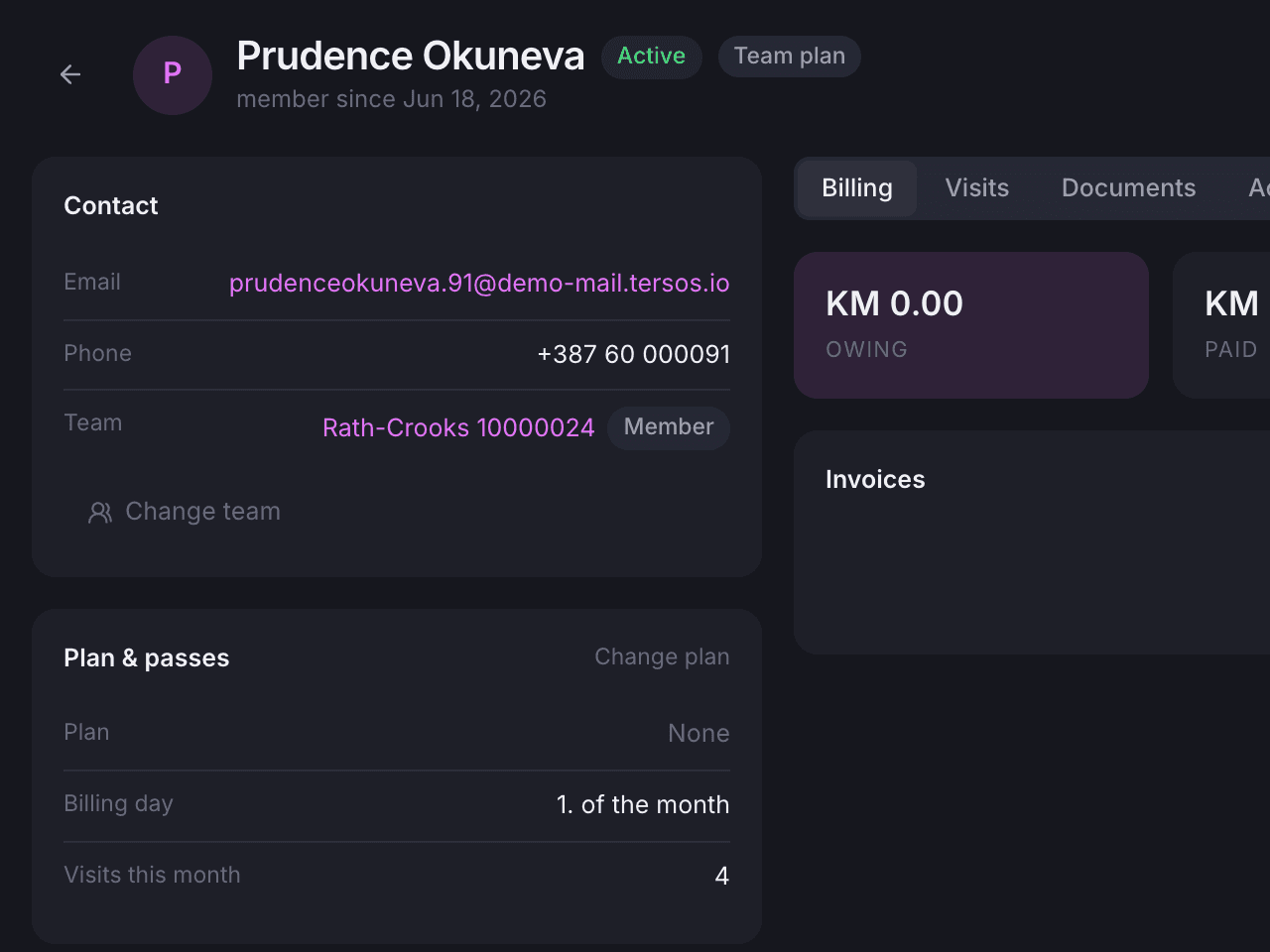
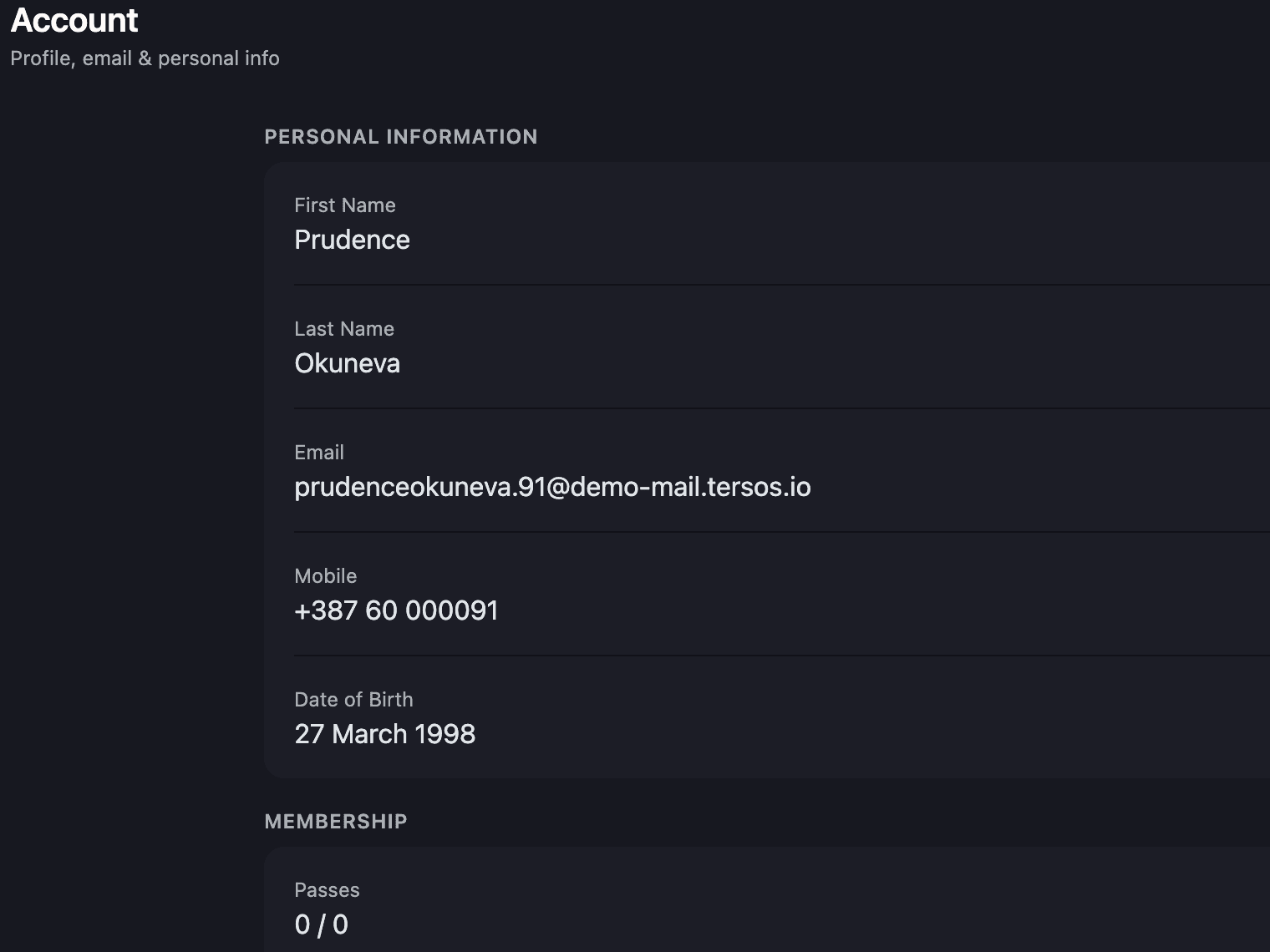
The same member details, wherever you look.
What your staff see on a member’s profile in the backoffice is what the member sees in the app: the plan, the passes, the invoices, the visits. The member sees the same information on the web, on a phone and through tersAI.
Also included
The rest of what the Member App does.
Account
- Activate an account from the emailed link and set it up
- Change the password, or delete the account, from Settings
- A public profile with headline, bio, location, links and photo
- Interests picked from a list, and members can ask for new ones
- Unsubscribe from newsletters inside the app
Team
- Team admins edit the company name, contacts, address, tax IDs and logo
- Invite teammates by email, change roles, remove members
- Accept an invitation from the email link without signing in first
- The team’s invoices, for team admins only
- The team’s plan and passes on the My Team screen
Around the space
- Search across invoices, bookings, parcels, members and teams in one list
- Register for community events and hold the ticket in the app
- Cancel an event registration
- Chat with the community: channels and direct messages
- Ask tersAI, keep past conversations and flag a bad answer
- Members agree once to tersAI using their data
- Developers can reach the same data through the tersOS API
tersAI in the app
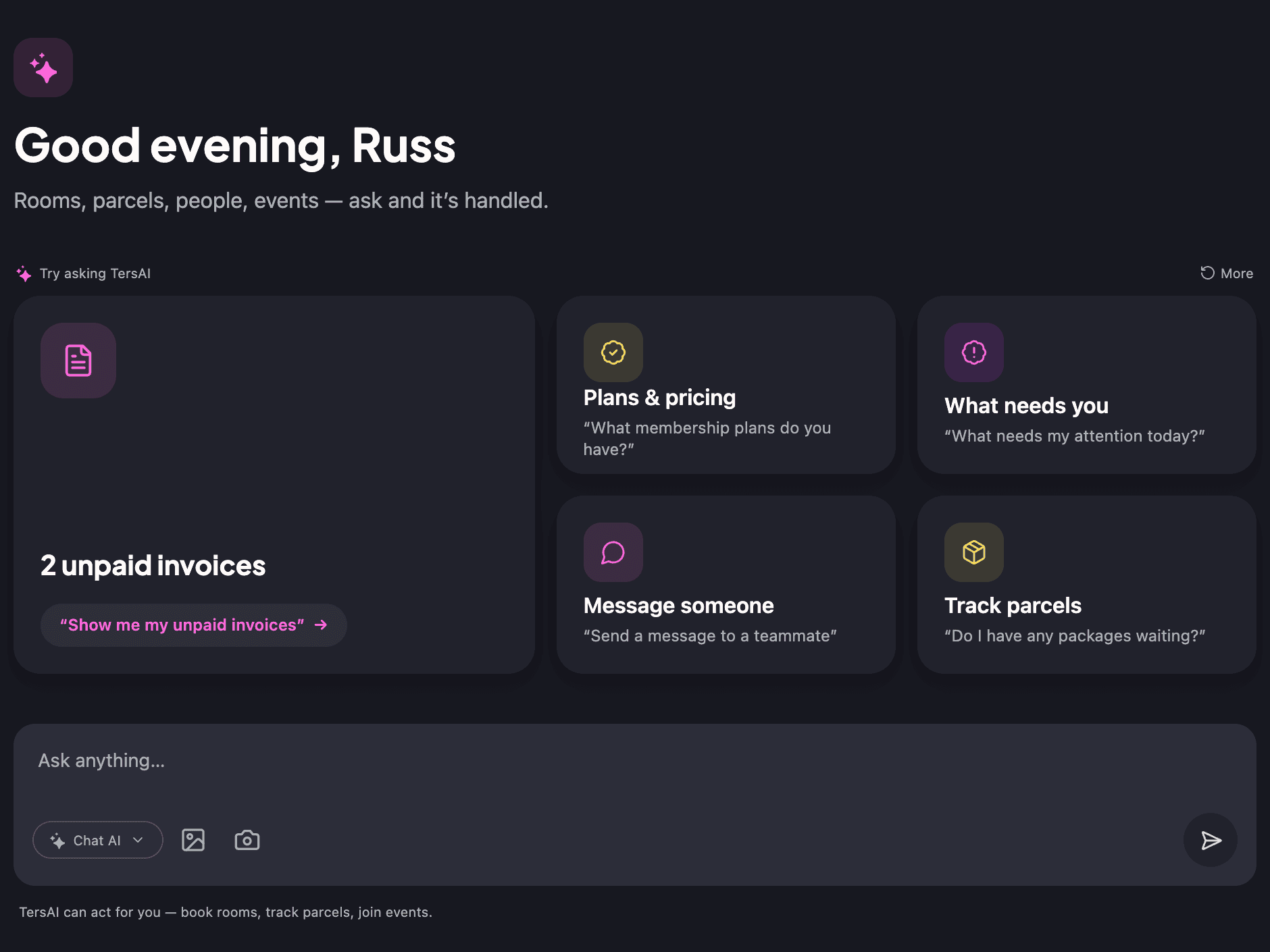
tersAI opens on suggestions built from the member’s own account, and sends a morning brief when there is something to say.
The tersAI tab greets the member with suggestions drawn from their own account: an unpaid invoice, passes left, a parcel waiting. Conversations are kept, a photo can be attached, and a bad answer can be flagged for staff to review. A morning brief arrives once a day, when there is something to say.
tersAI — Morning, Russ. Today: Flora is yours 11:00–11:30. Invoice MW-2026-00094 is due on Monday, and a parcel arrived for you yesterday.
“Show me the invoice.”
tersAI — MW-2026-00094, issued 31 August and due Monday. The PDF is in your invoices tab.
“And the parcel?”
tersAI — At the front desk since yesterday 09:40. Pick it up any time you are in.
a morning brief in the concierge thread, then two questions answered from the member’s own account
Get the app
The member app,
on the App Store and Google Play.
Free for members of any tersOS space. Sign in with your workspace account.



“The front-desk inbox went quiet. The good kind of quiet.”The tershouse team, Sarajevo
Works with