
01 — bookings
Bookings that
just work.
Rooms, desks and studios with live availability. Staff book from the backoffice, members from the app, and tersAI books on request — all against the same live calendar.
 Live · app.tersos.io
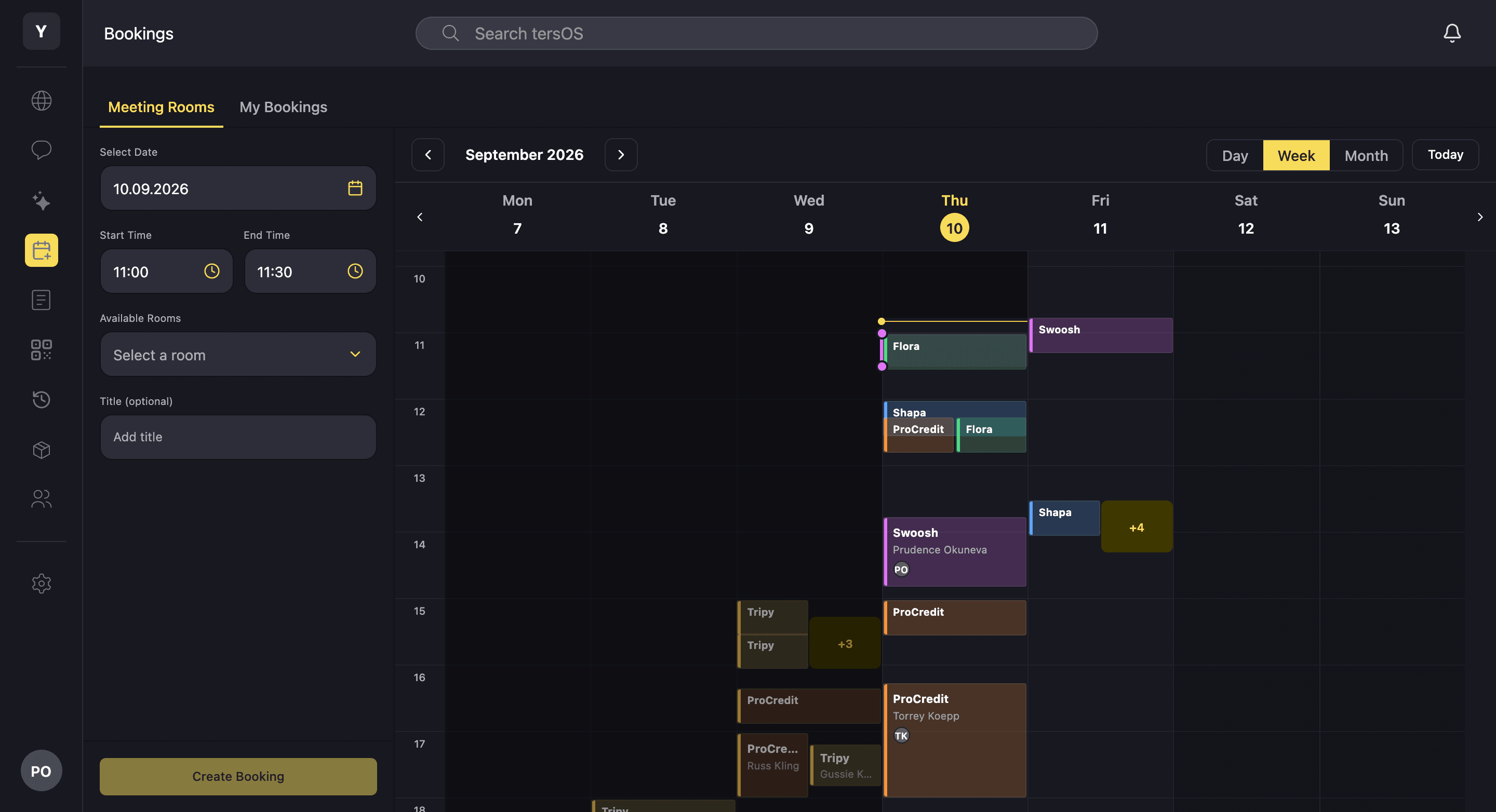
One calendar
Rooms, desks and studios are booked against one live calendar.
Every room, desk and studio has its own capacity, opening hours and credit price, and sits in a zone such as meeting rooms, offices or coworking. Staff, members and tersAI all book on the same calendar, so two bookings can never land on the same room at the same time.
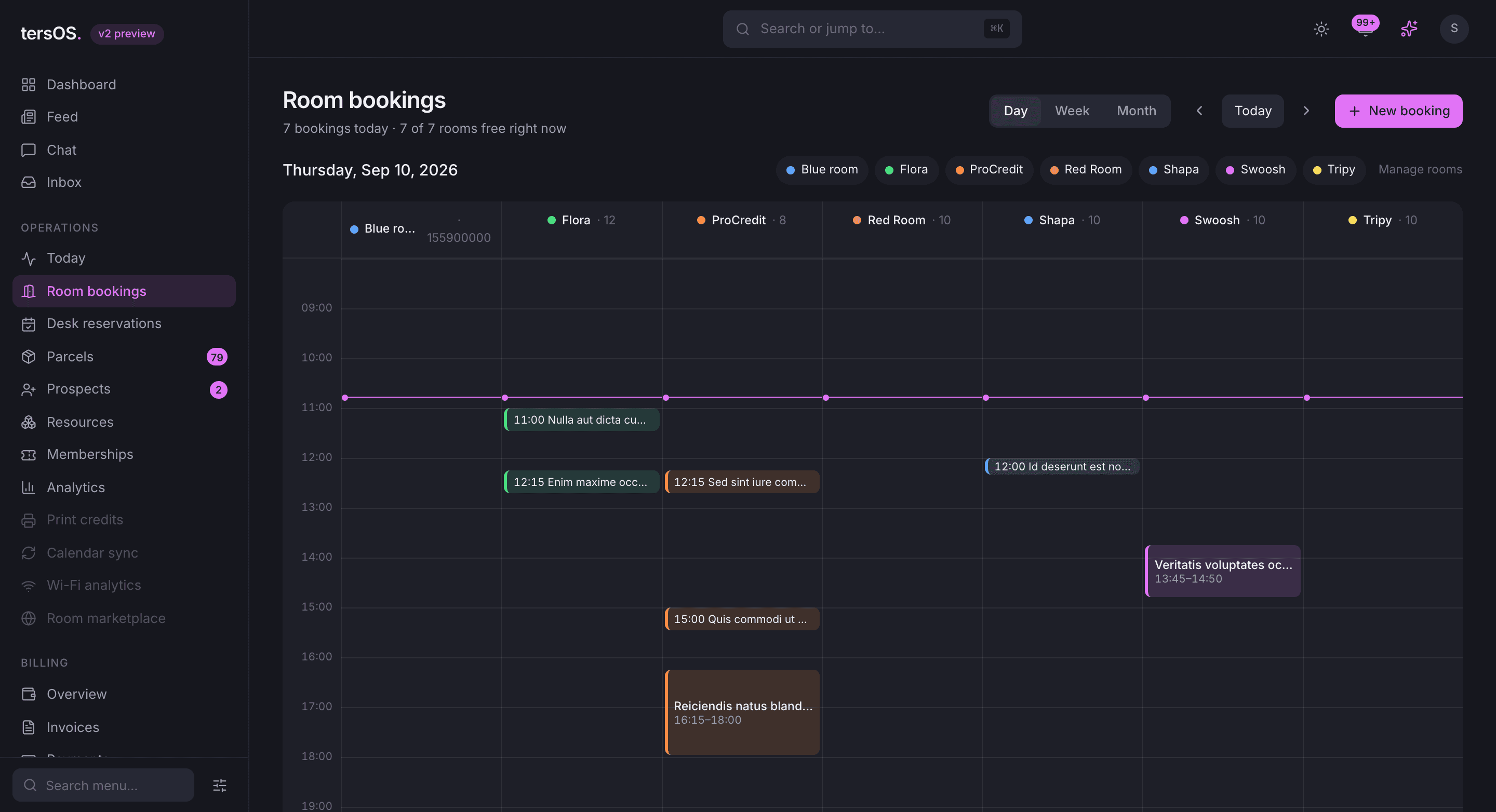
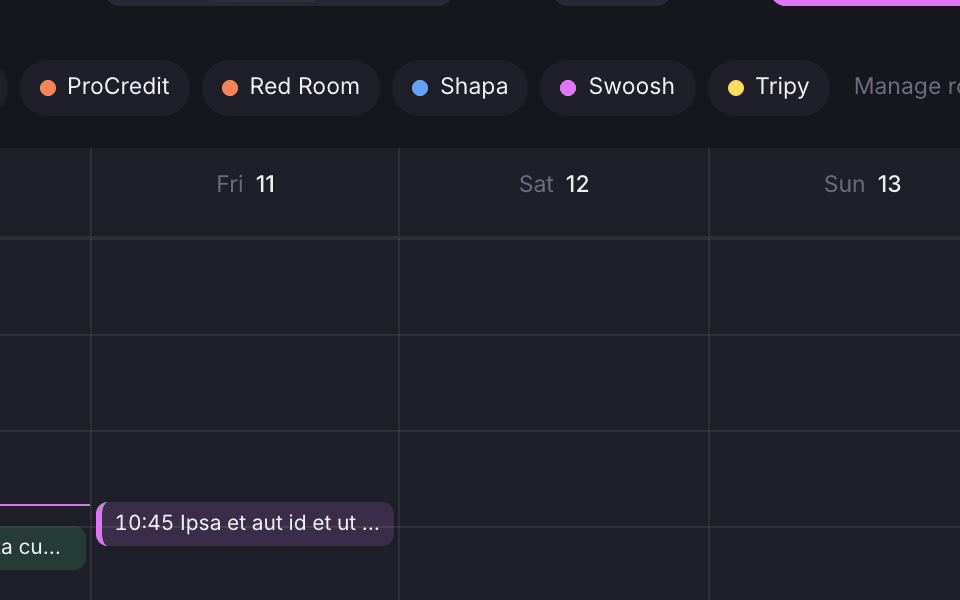
Double bookings are stopped before they happen
A clashing booking is turned down, whether staff, a member or tersAI made it.
Rooms and desks live in zones
Each room, office and coworking area has a photo, a list of features and a floor.
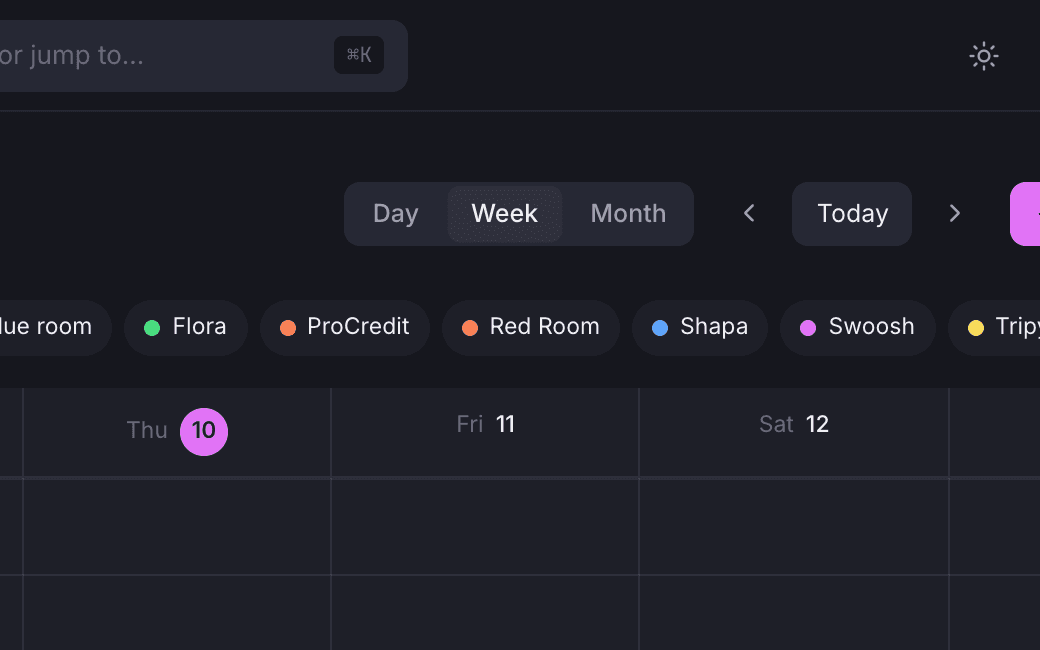
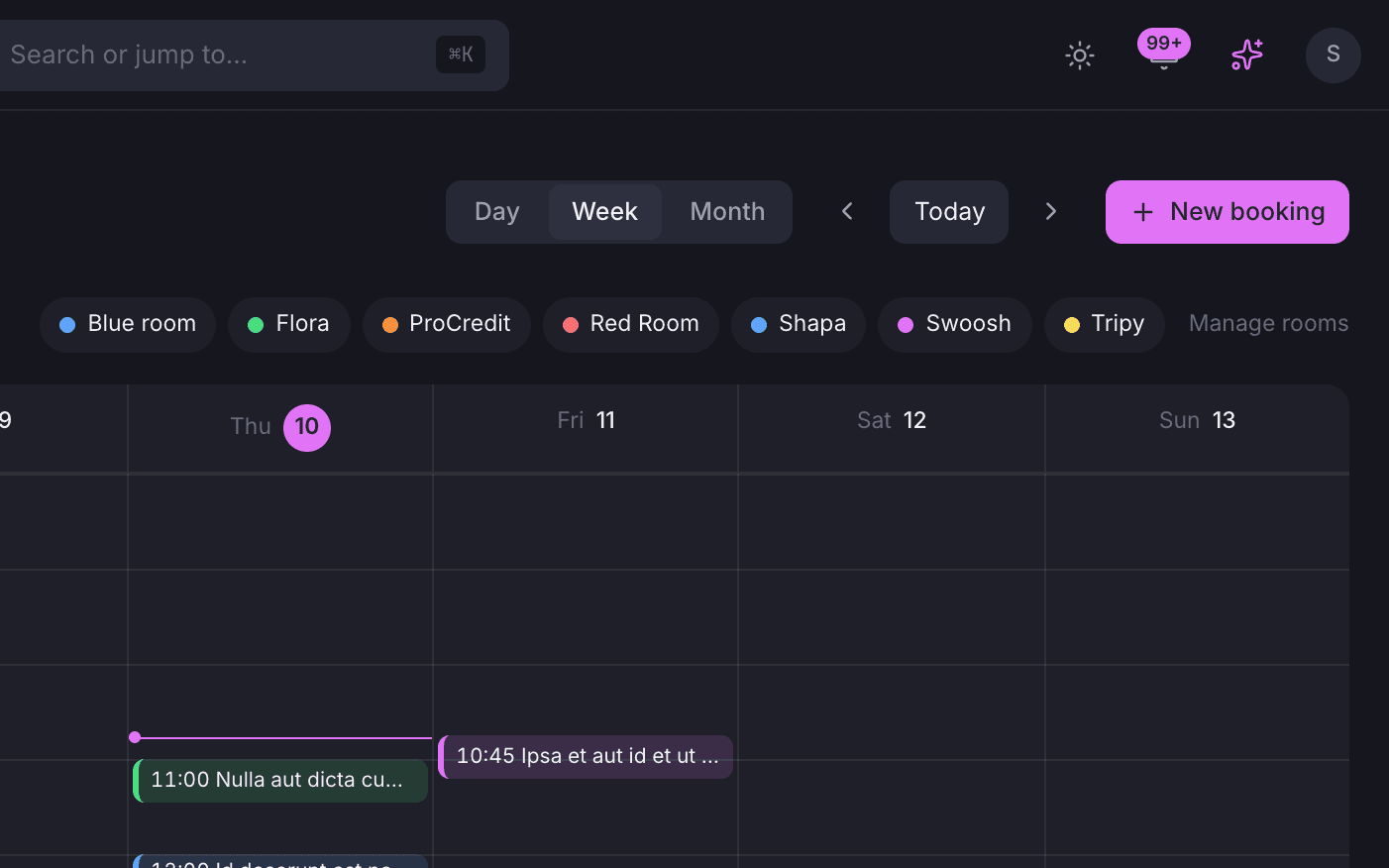
Week, day and single-room views
See one room across a week or every room across a day, from the same page.
Members book themselves
Members book from the app and the room is charged to their plan.
Members see what is free in the Member App, pick a room and a slot, and the booking lands on the same calendar your staff use. The room’s credit price comes off the member’s wallet or their team’s, and a reminder email goes out before the meeting.
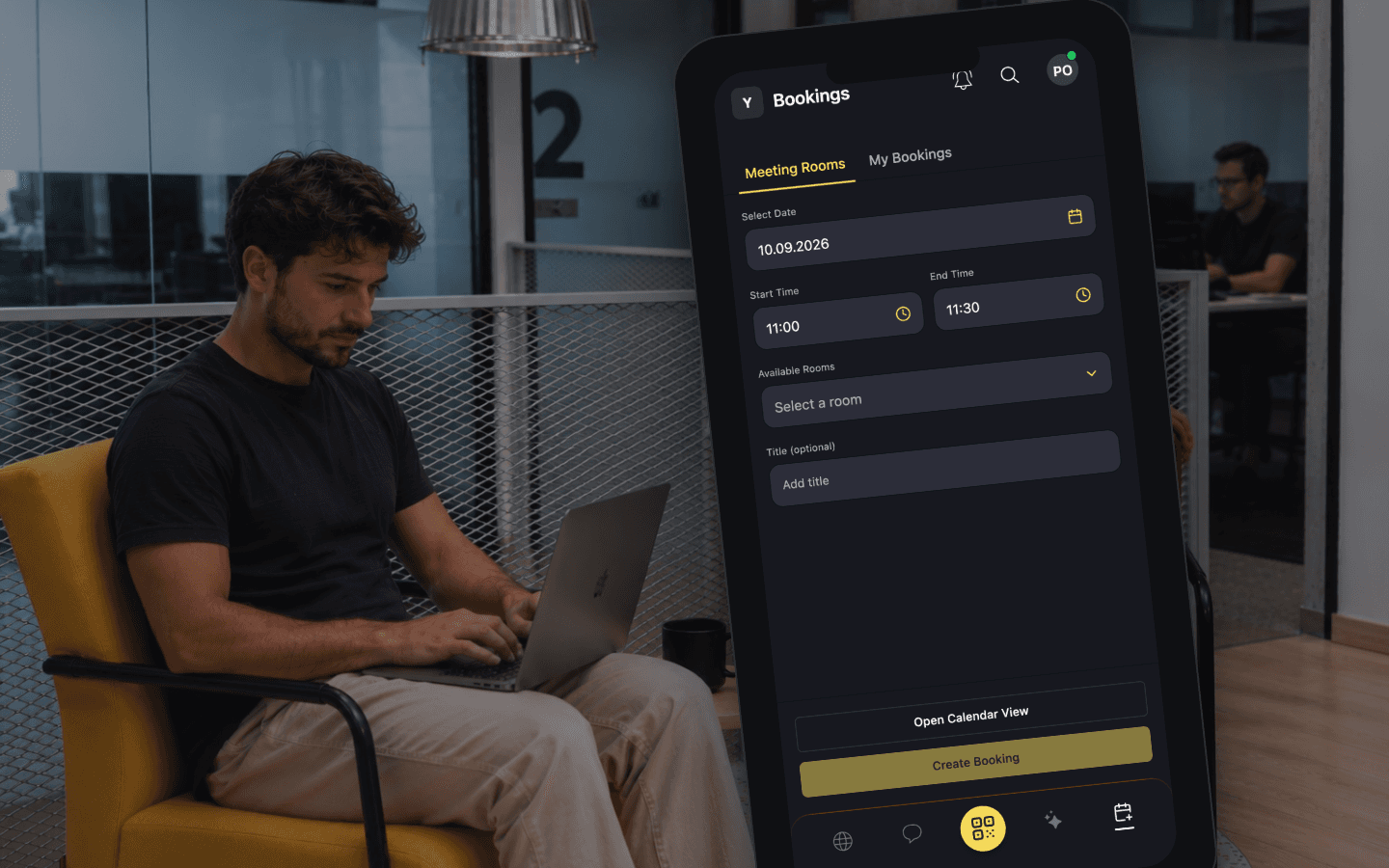
Three taps on a phone
Members pick a date and a slot, then choose from the rooms that are free.
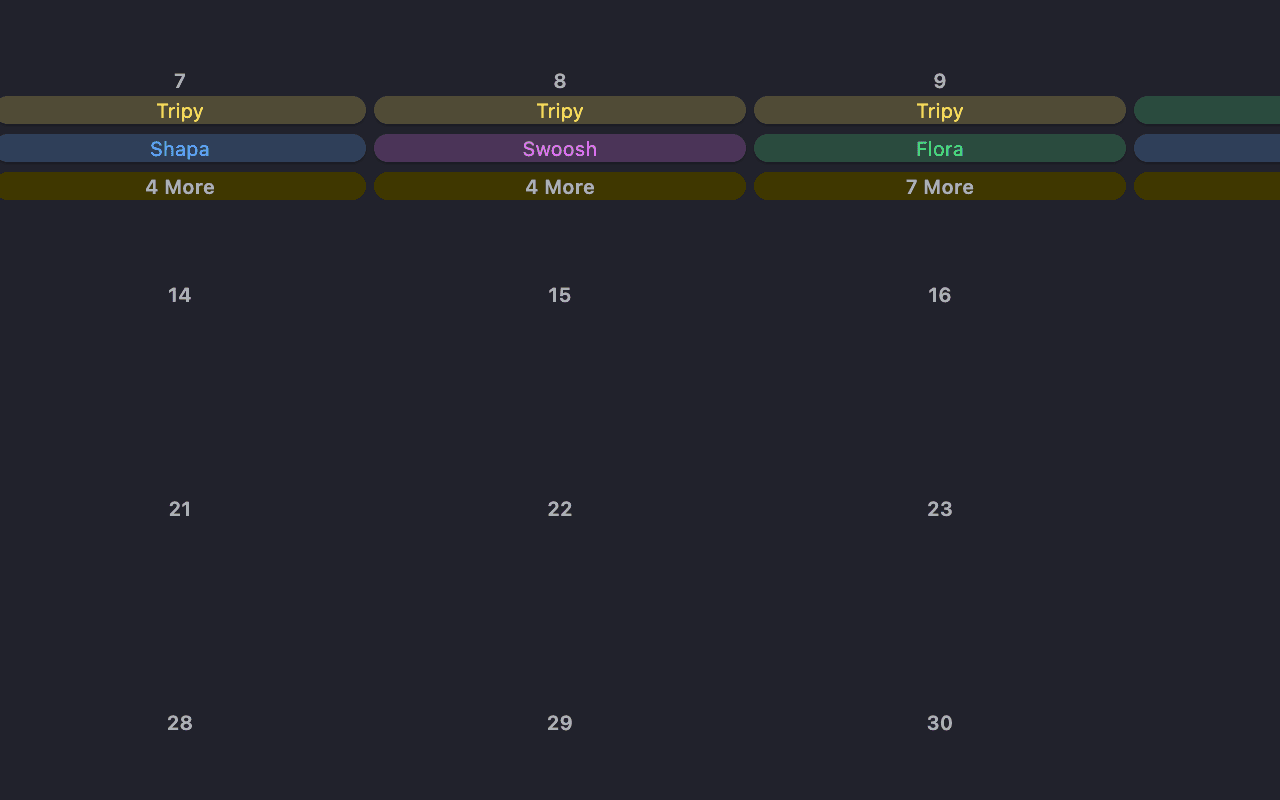
Everything on one calendar
Members see bookings by room, so a team knows when the boardroom is free.
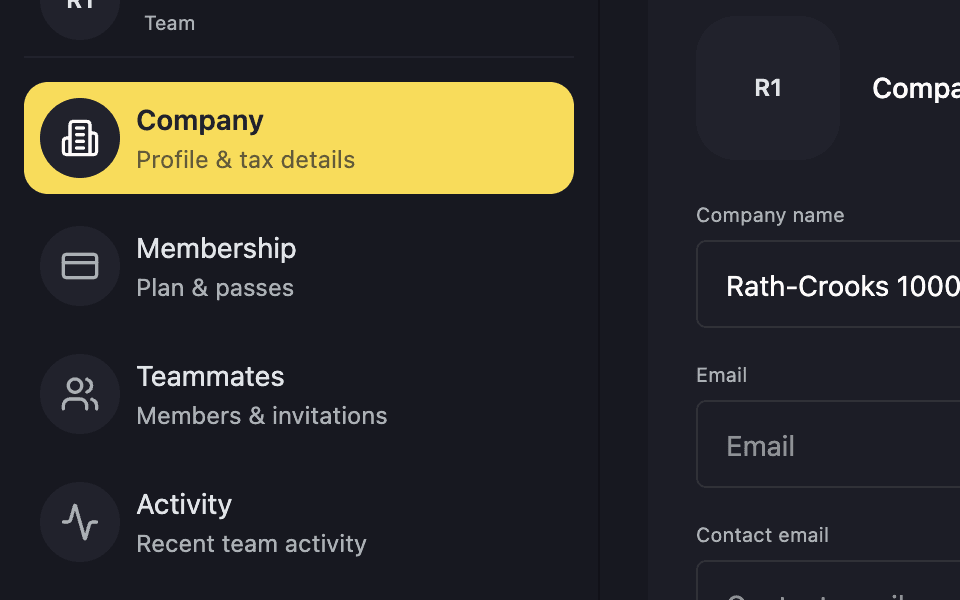
Bookings for a team
Each booking shows who made it and which team it was for, so team credits stay right.
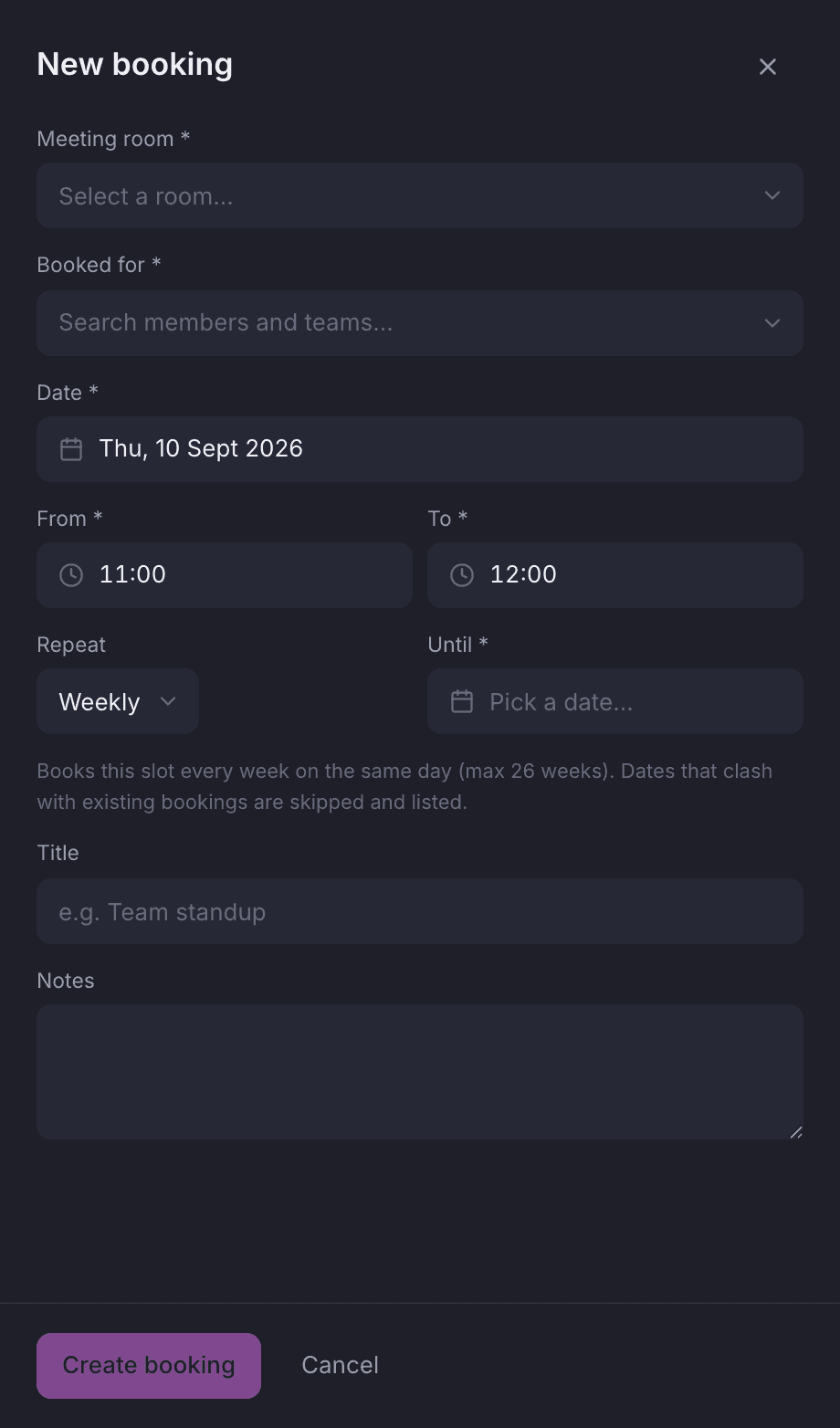
Standing bookings
A standing booking behaves like any other booking, every week.
A team that has the boardroom every Monday morning gets a weekly booking from the backoffice. Every week shows up on the calendar as an ordinary booking, with credits charged and clashes caught the same way, and staff can cancel one week without touching the rest.
Staff set it up from the calendar.
Pick weekly, then set an end date or leave it open-ended. Each week appears on the calendar as a booking of its own, alongside everything else in the room.
- Each week is checked for clashes on its own
- Credits are charged week by week
- Cancel one week without touching the rest
Check-in
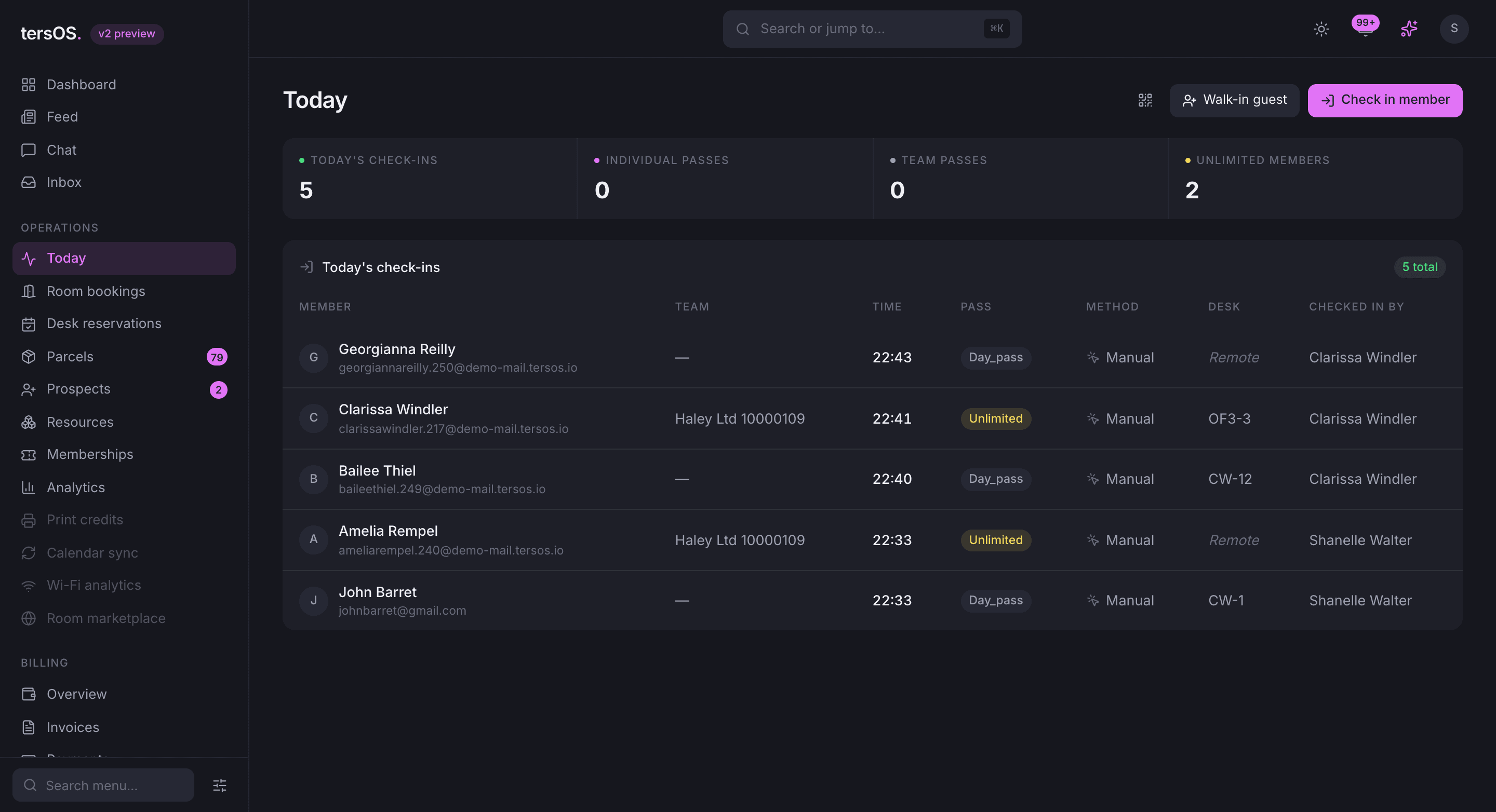
Check-ins and bookings sit together, so the front desk knows who is in the building.
Members check in by scanning the printed QR poster or from the app, the front desk checks in walk-ins, and check-out is noted too. You can see how many people are in the space right now, and a desk claimed by a member who never turned up is freed for someone else.
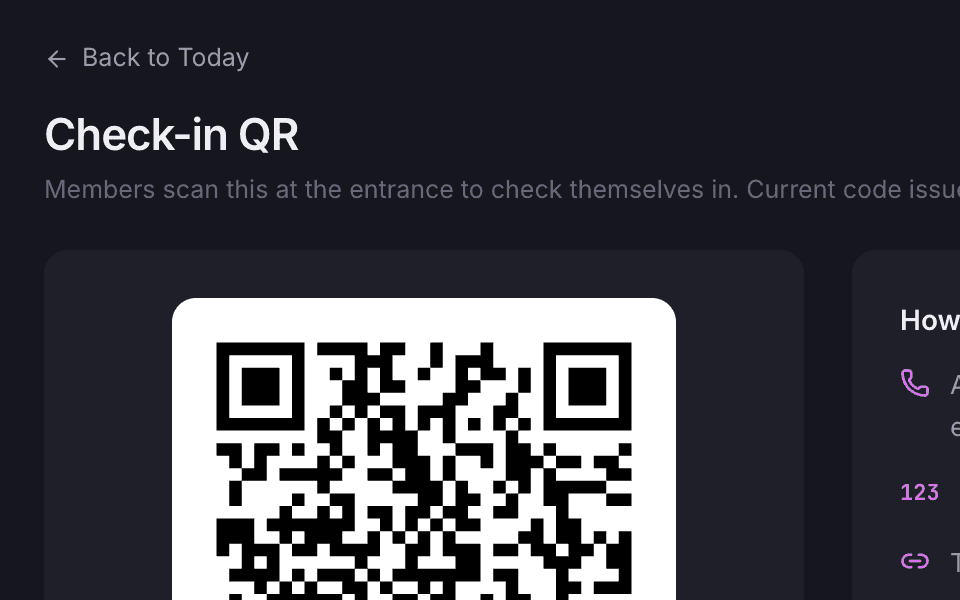
A poster by the door
You print a branded A4 poster with a QR code and a short code to type instead.
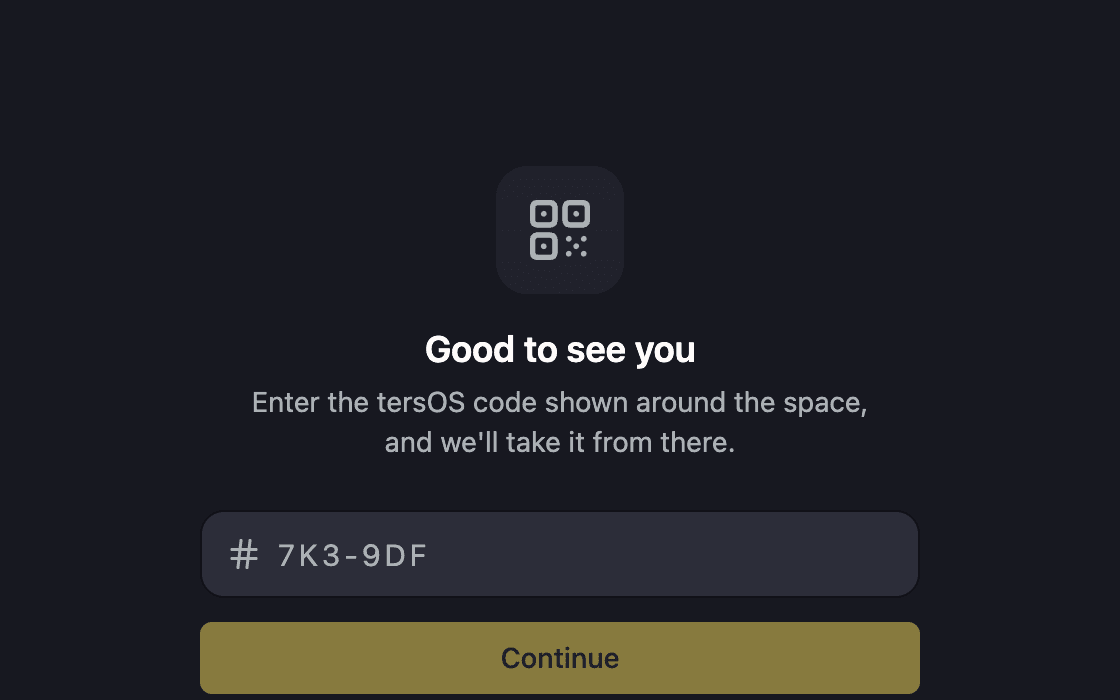
Self check-in from the app
Members scan the poster or type the code, and the app tells them if a pass has run out.
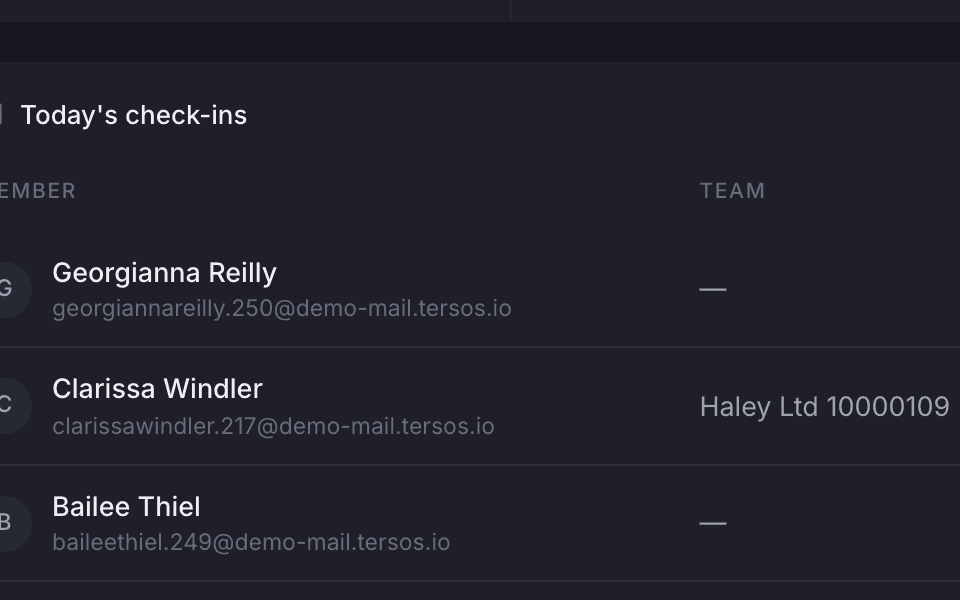
Who is in right now
See today’s check-ins with the time, the pass used and how they checked in.
Desks and day passes
Members reserve a flex desk and visitors ask for a day pass.
Members reserve a flex desk for a date or take a free one when they check in, and a desk that belongs to someone is never offered to anyone else. Visitors ask for a day pass from your Public Hub without an account, name a few dates that suit them, and the request lands with your prospects.
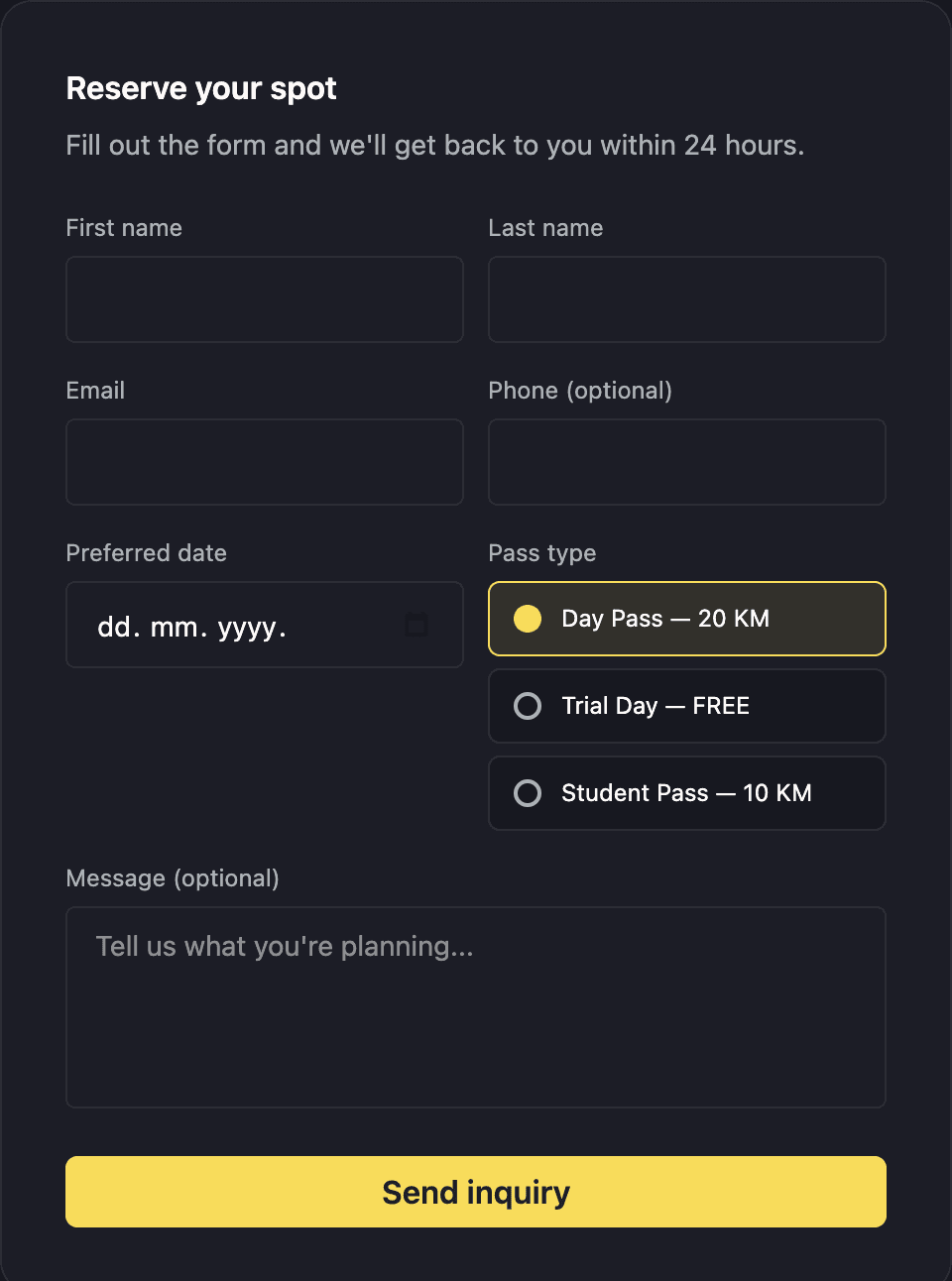
A day-pass request from the Public Hub.
The visitor leaves their details and the dates they want, and your staff confirm from the prospects board. Day passes are a membership of their own, and each visit uses one up.
Where it shows up
The same booking, wherever you look.
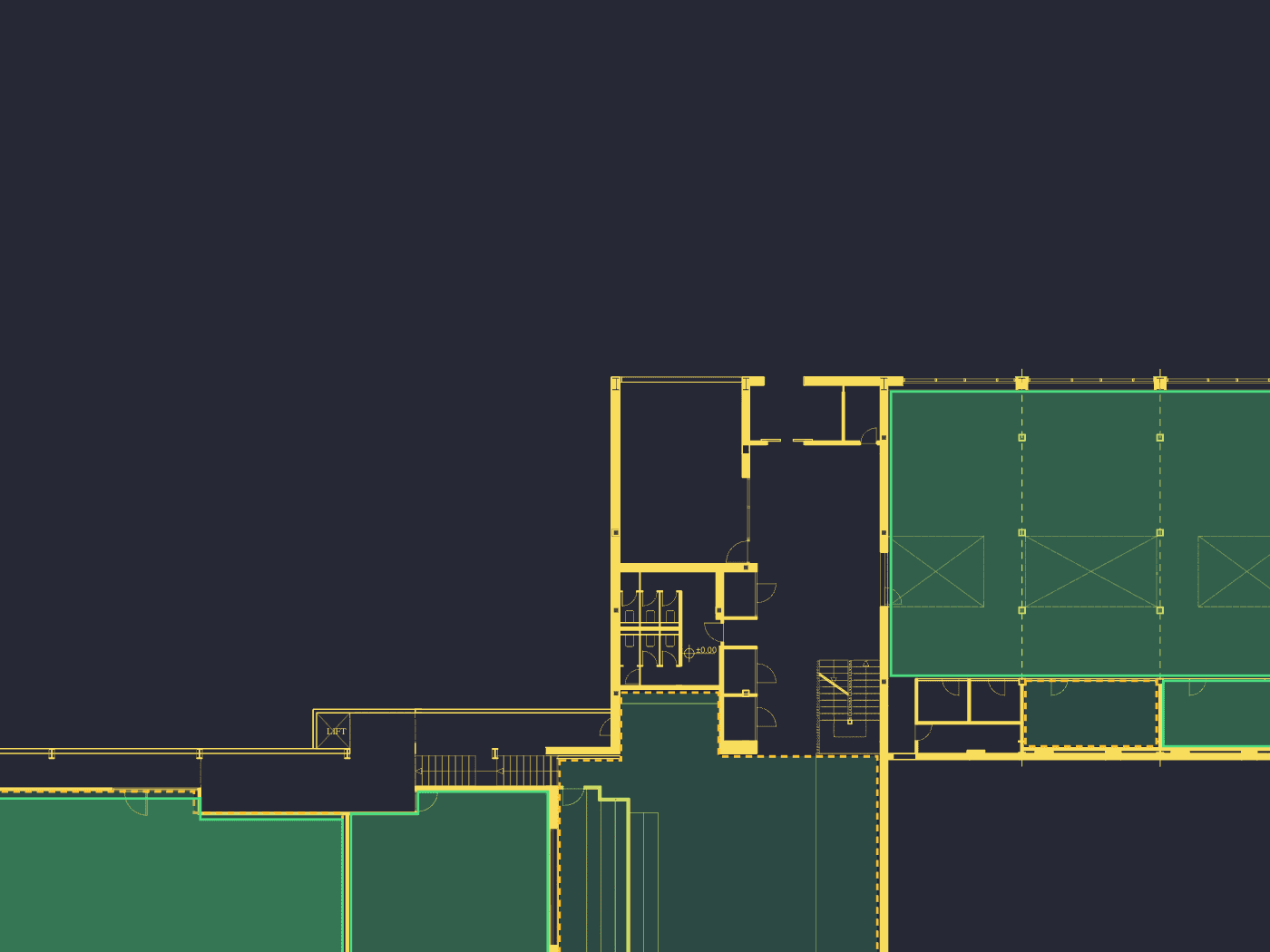
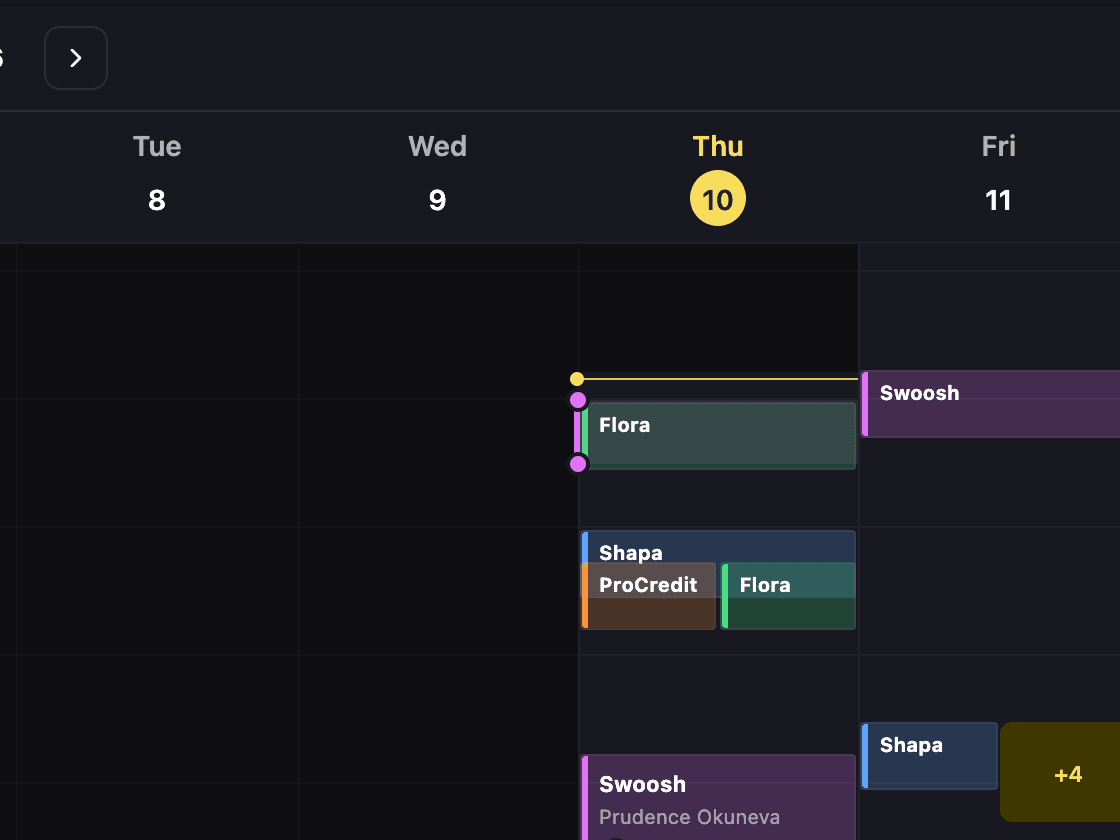
A booking made in any of these places shows up in all of them straight away: the backoffice calendar and floor plan, the member’s app, the screen on the room door and tersAI’s answers. There is only one calendar, so nothing has to be copied across.
Also included
The rest of what Bookings does.
Book
- Rooms, desks, studios and booths can all be booked
- Capacity, opening hours and a credit price for each room or desk
- Invite teammates as attendees
- Staff can book on behalf of a member or a team
- Staff can see what is free across a range of dates
Run
- Members edit and cancel their own future bookings
- Dedicated desks and flex desks
- A desk claimed at check-in is held for that day
- Check-out, so you always know who is still in
- Booking reminder emails
Charge
- Credit price per room per hour
- Charged from the member’s or the team’s wallet
- Credit debt allowed on a plan, if you want it
- Each visit uses up one day pass
- Developers can reach the same data through the tersOS API
A booking at 2am
A member asks tersAI for a room in the middle of the night.
tersAI reads the same calendar, proposes a room that fits, and books it once the member confirms. The credit price is deducted from the plan and the booking shows up in the app and in the backoffice like any other. Nobody has to be at the front desk.
“Is there a free room tomorrow around 2pm for six people?”
tersAI — Meeting Room 02 is free 14:00–16:00 and seats 8. It is 20 credits an hour on your plan. Want me to book it?
“Yes, book it.”
tersAI — Booked for tomorrow 14:00–16:00. 40 credits were deducted and the details are in your app.
a booking made in chat, confirmed by the member
“We stopped refereeing the meeting room in week one.”The tershouse team, Sarajevo