06 — events
Community events and private bookings.
One system.
Manage community events and private venue bookings from inquiry to invoice — with RSVPs, tickets, offers, catering and billing in one system.
 Live · app.tersos.io
Event cases
Every booked event gets its own case, with everything the day needs in one place.
The case holds where the event stands in the pipeline, the dates, setup and breakdown times, the guest count and a requirements sheet: furniture, AV, lighting, food and drink, decor, entertainment, the loading dock, parking and coat check. Everyone who works on the event works from the same case.
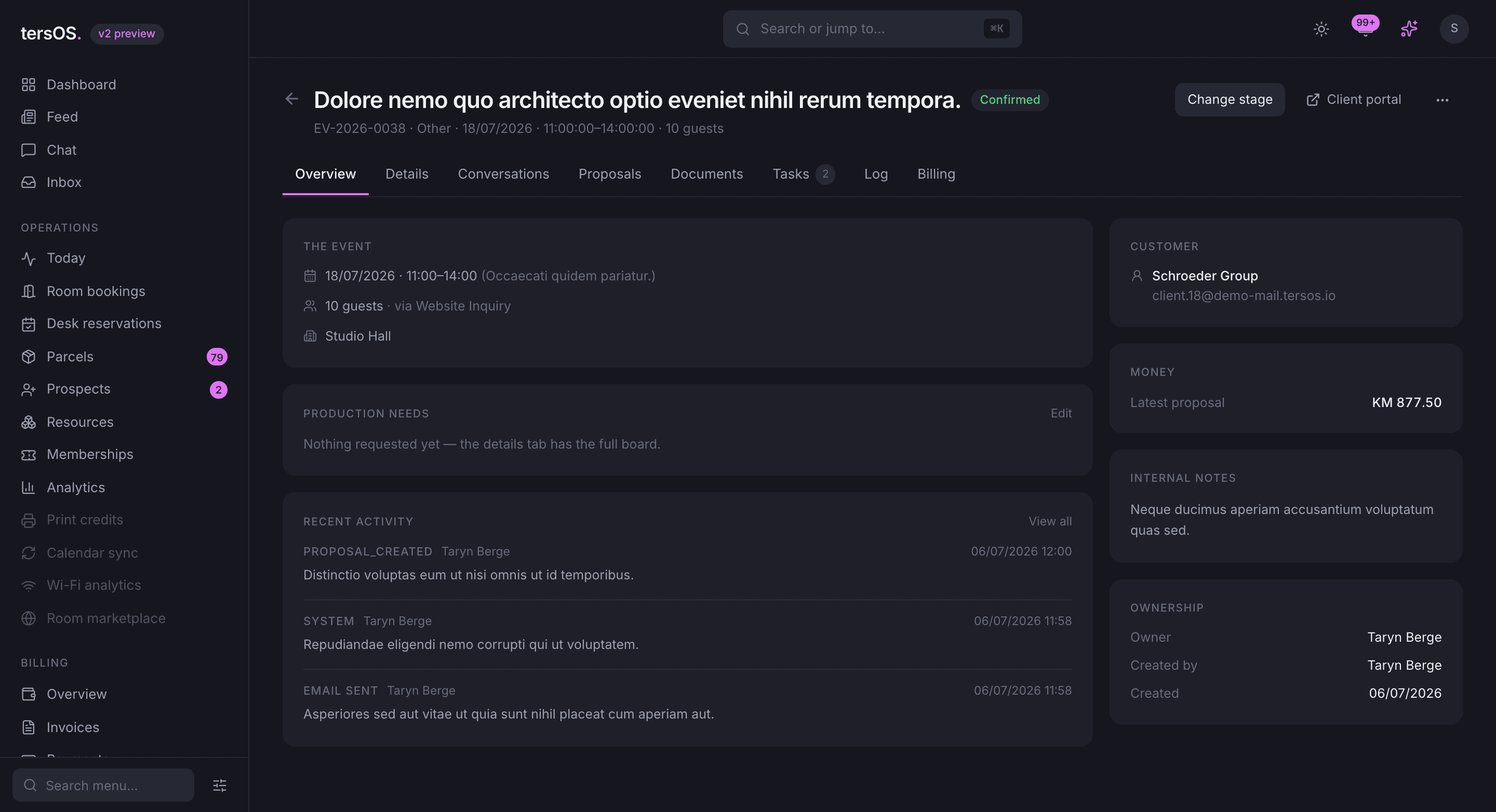
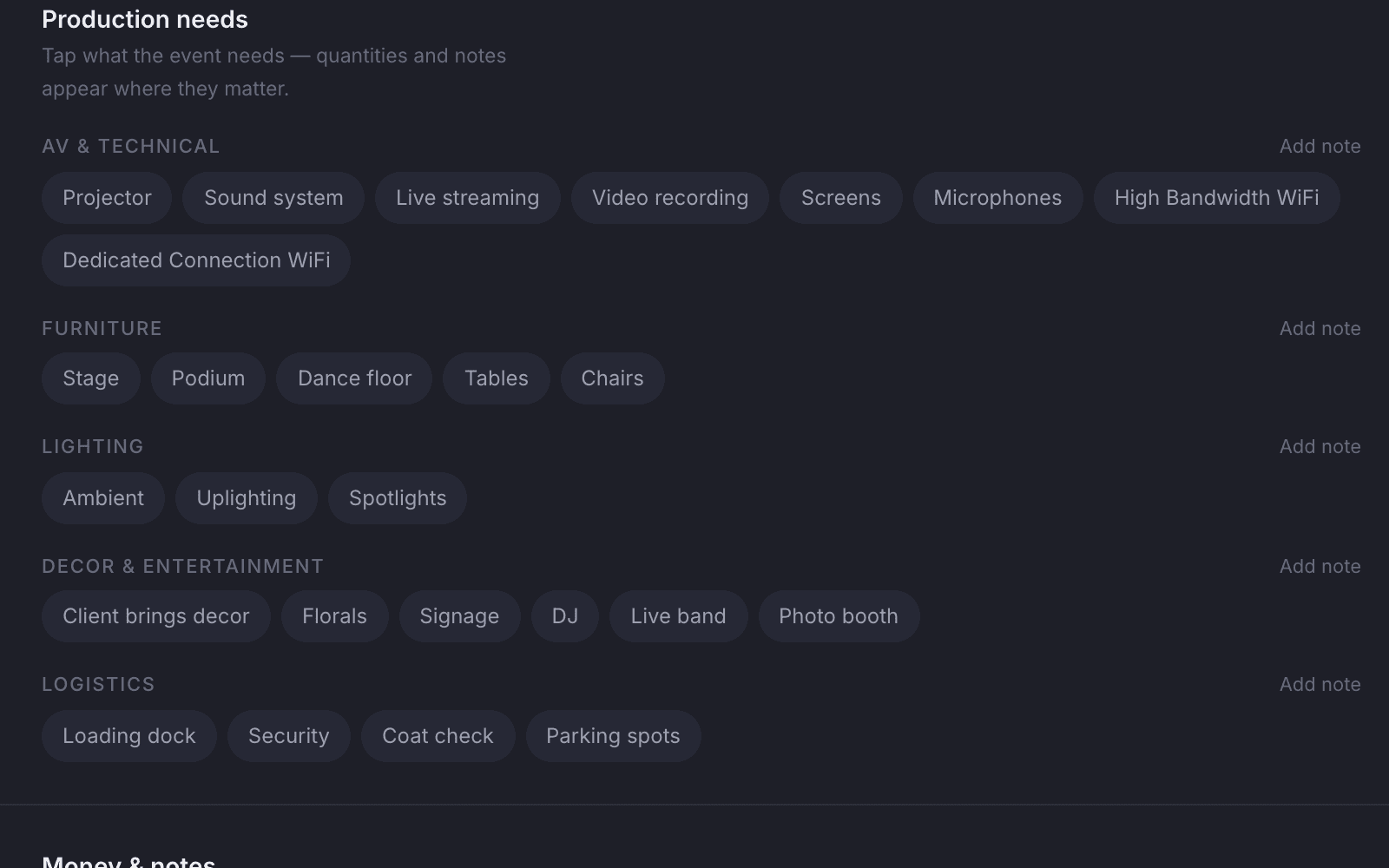
A production sheet for every need
Furniture, AV, lighting, catering, bar, decor and entertainment each get their own line.
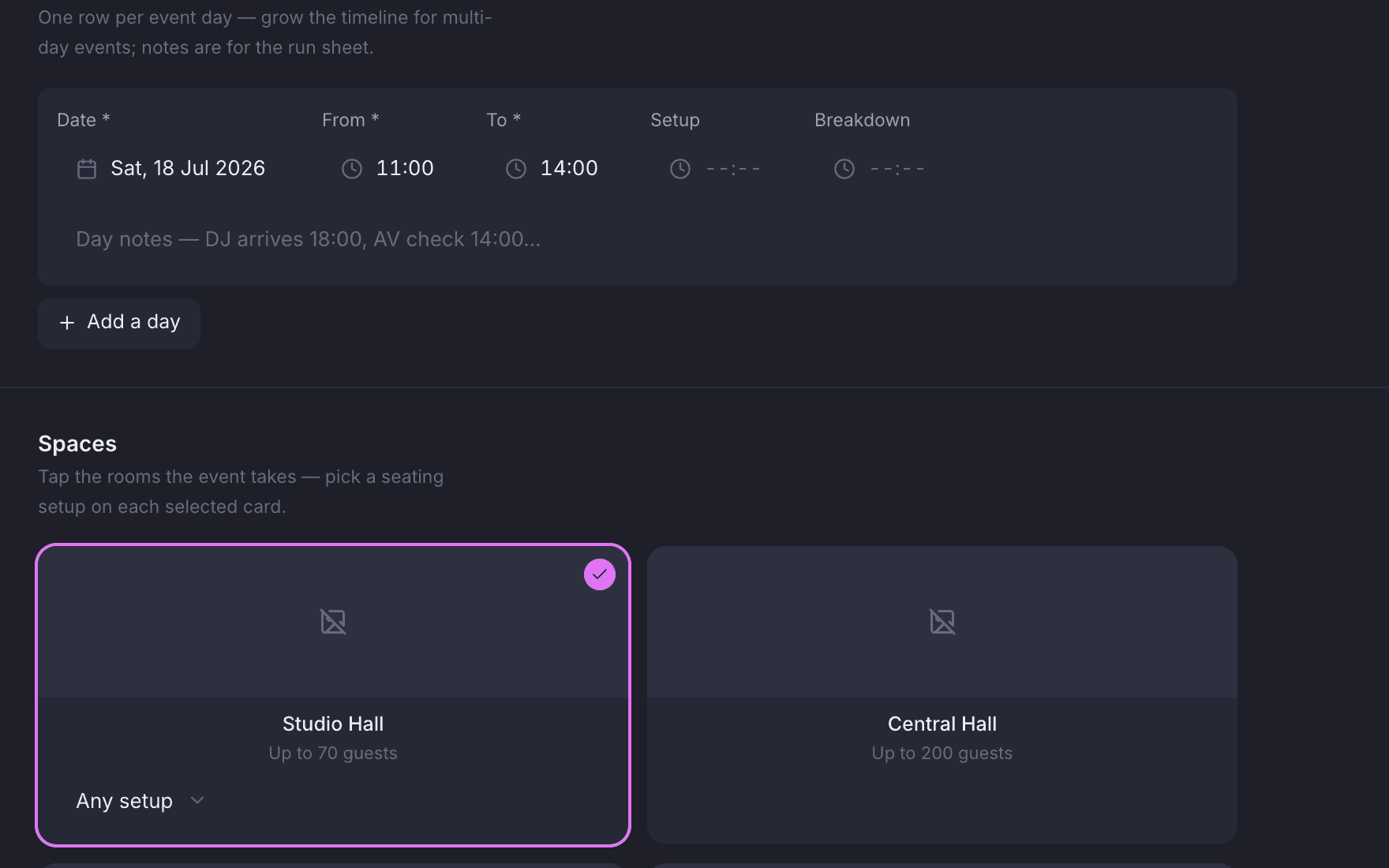
Setup and breakdown, per day
Each event day has its own setup, event and breakdown times.
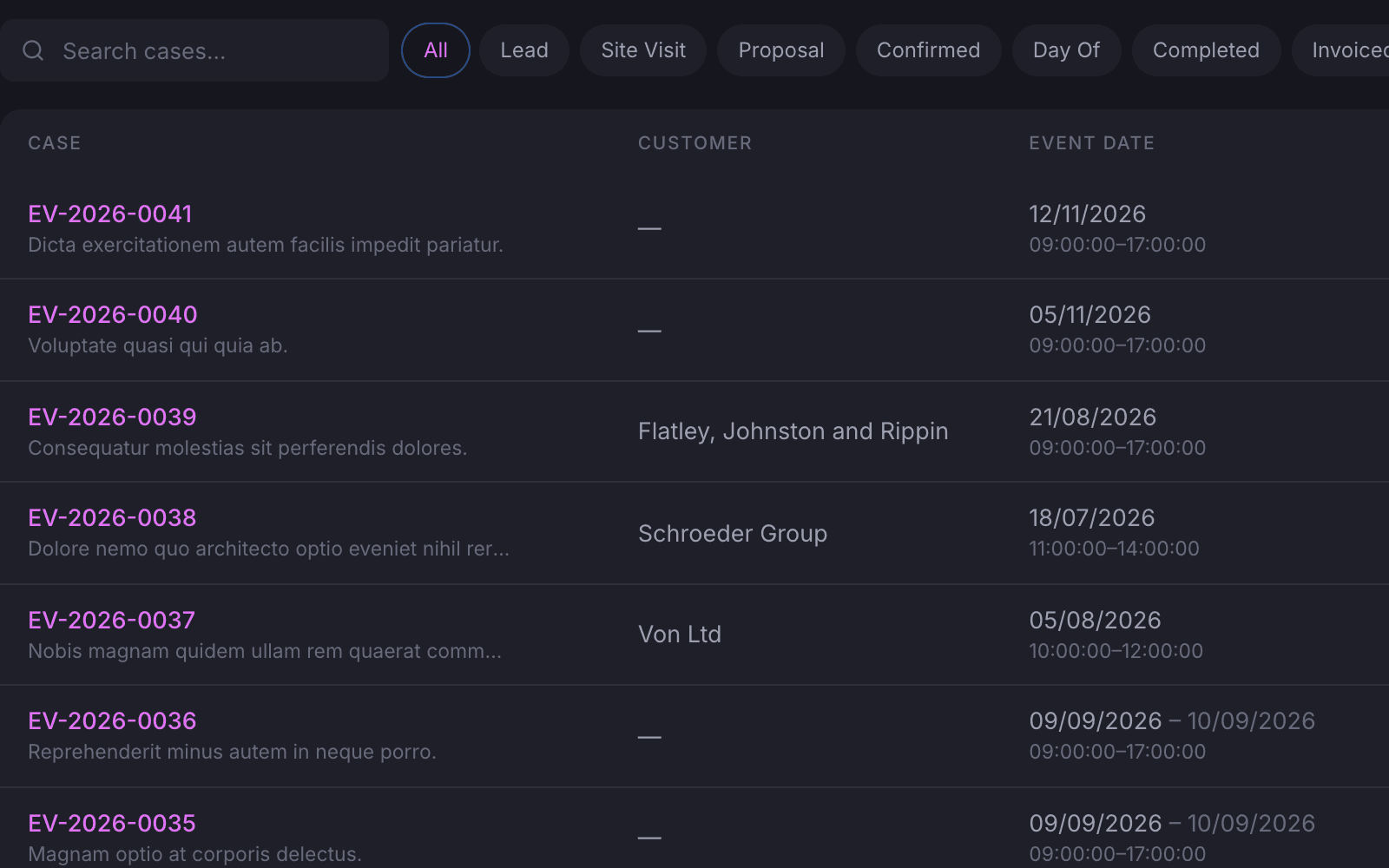
The same cases as a list
Filter and sort every case by stage, date and value without the board.
Pipeline and tasks
Cases move between stages, and every case carries its own task list.
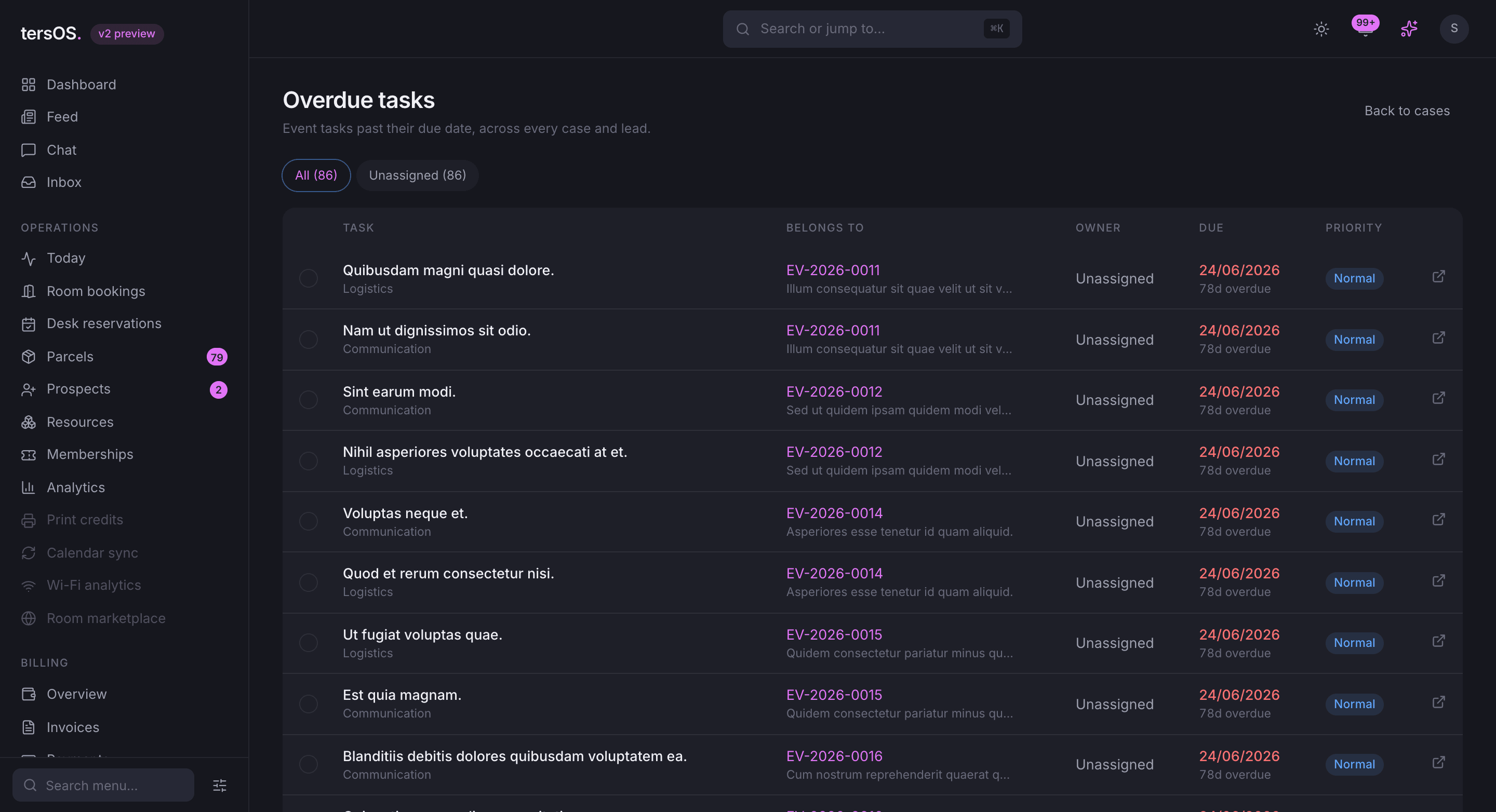
Staff drag a case from one stage to the next on the board, or work from the leads list. Each case has its own checklist. One screen shows the overdue tasks across every case, and reminders go out so nothing waits until the day of the event.
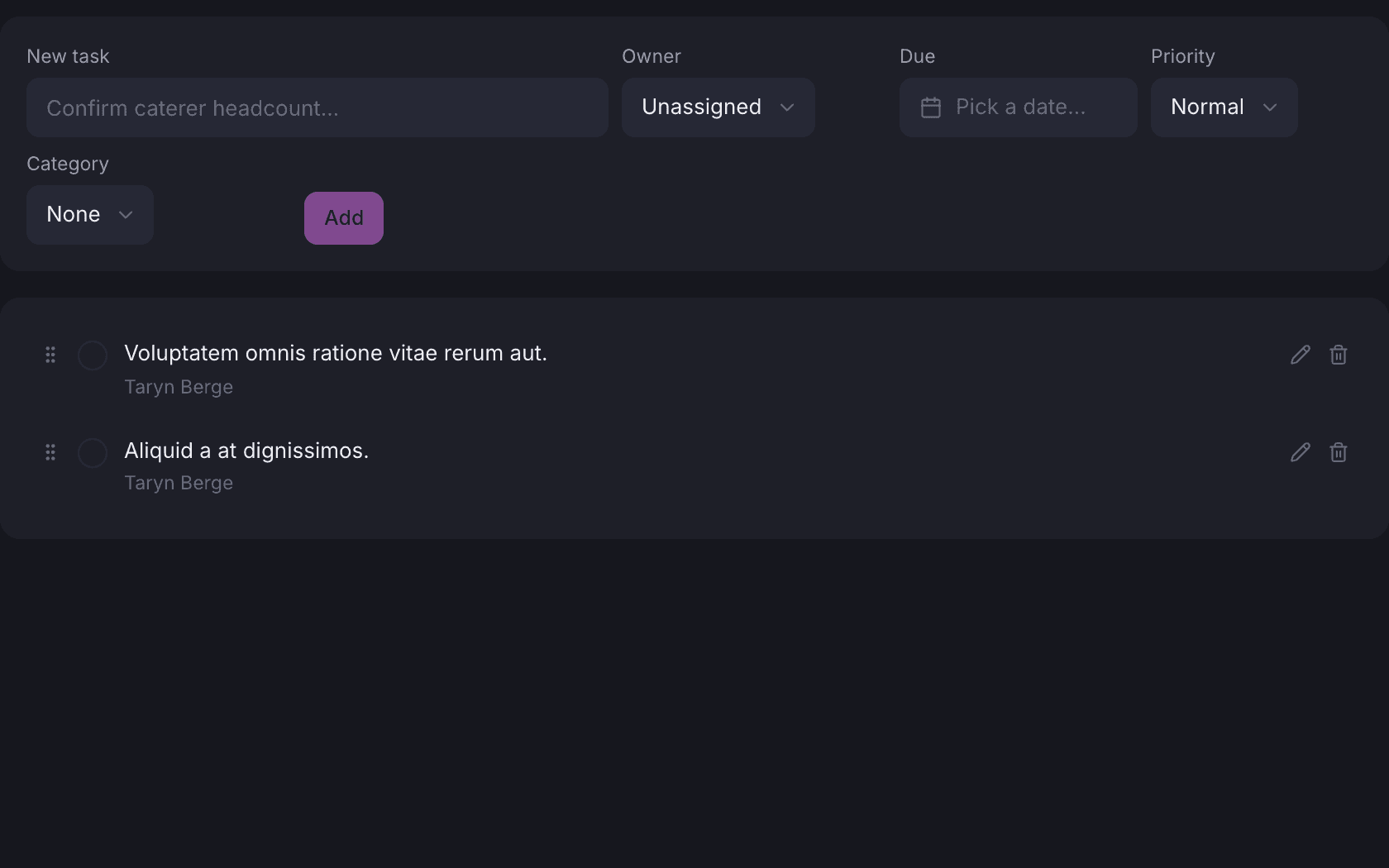
A checklist per case
Tasks are added, reordered and ticked off on the case itself.
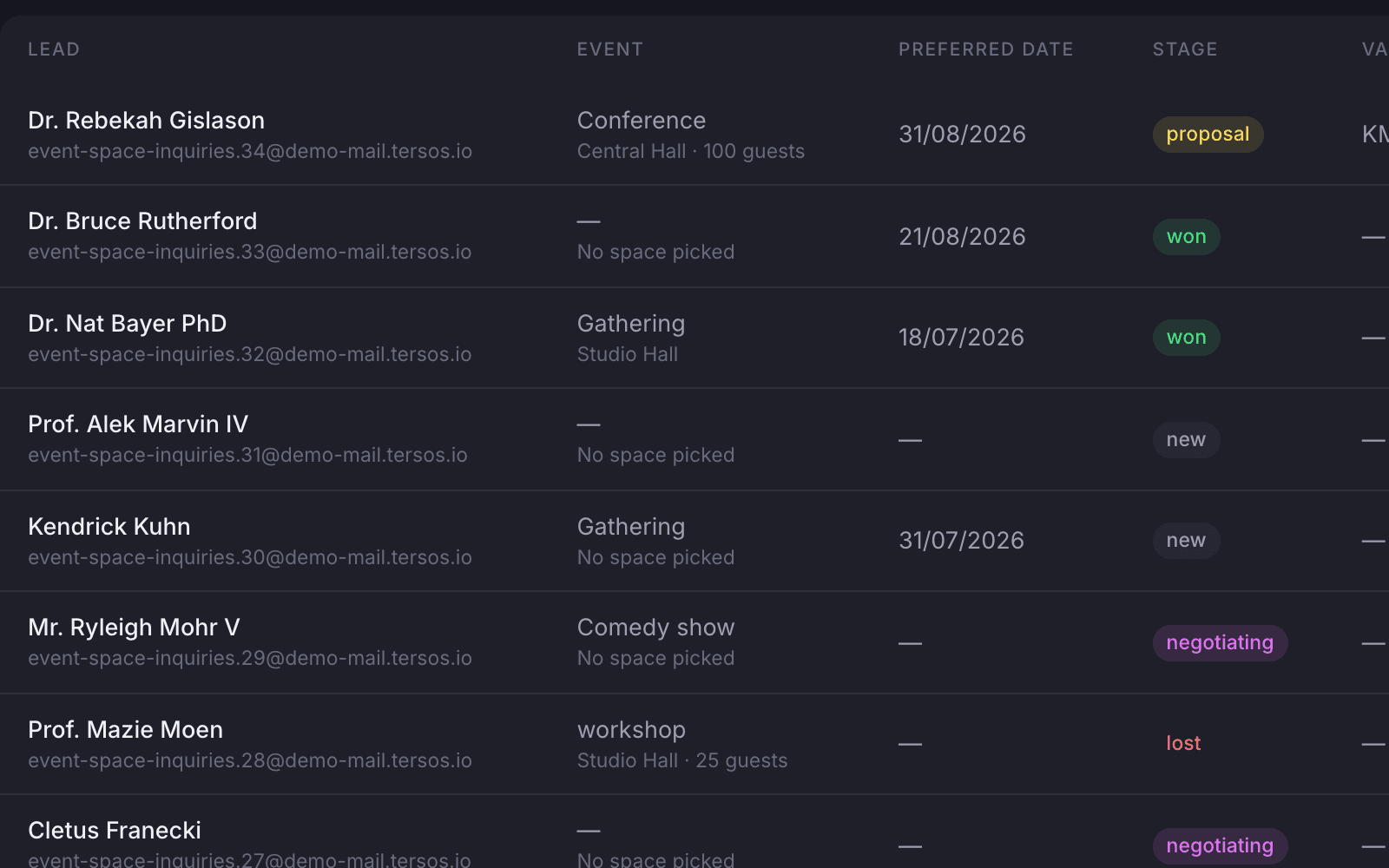
The pipeline as a list
The same leads with their stage, date and value in rows.
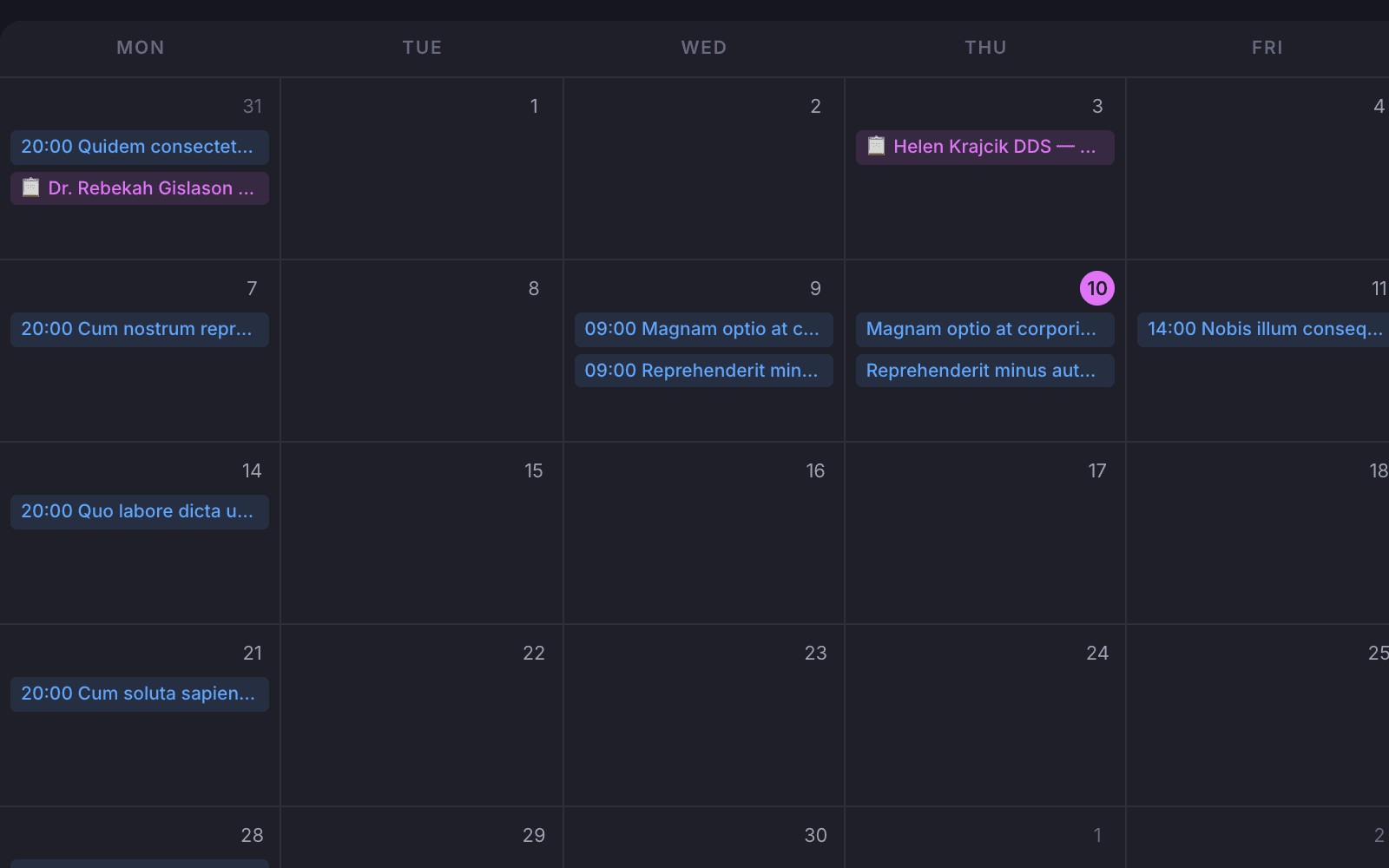
Everything booked, on a calendar
All spaces on one calendar, so a second event is never sold into a booked day.
Proposals and documents
A proposal is sent, revised, accepted and turned into the invoice.
Staff draft a proposal on the case and send it to the client, who accepts or declines it. An accepted proposal becomes the invoice. The contract, house rules and liability waiver are made from the case and emailed to the client, and the deposit is tracked on its own.
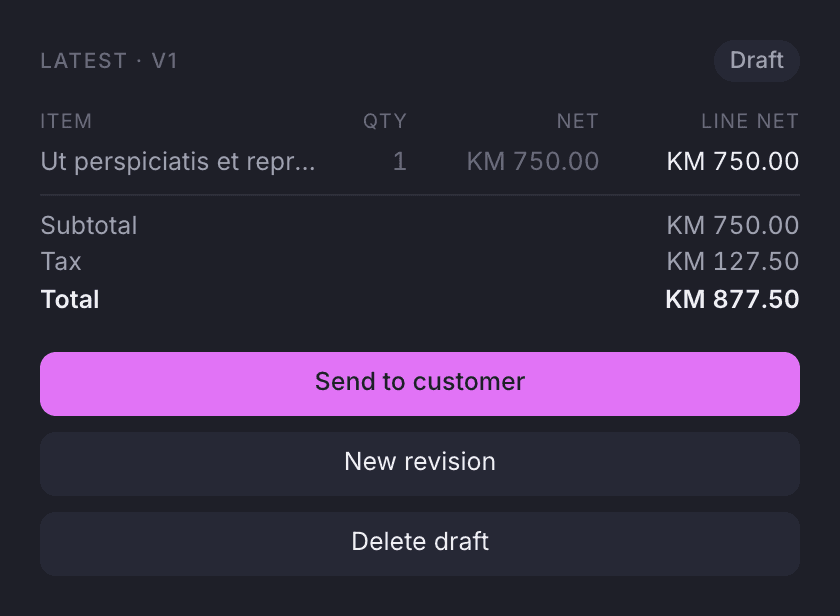
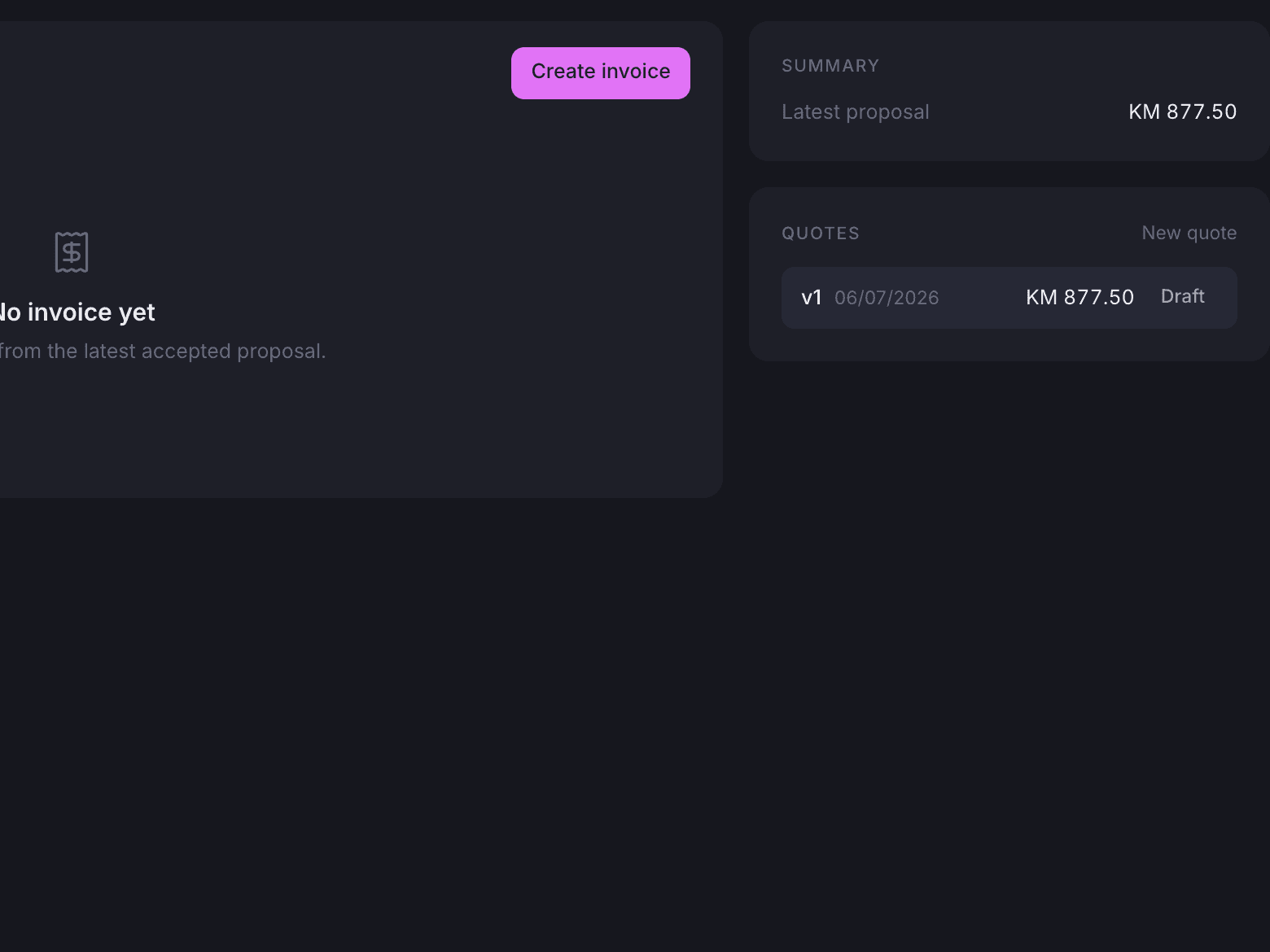
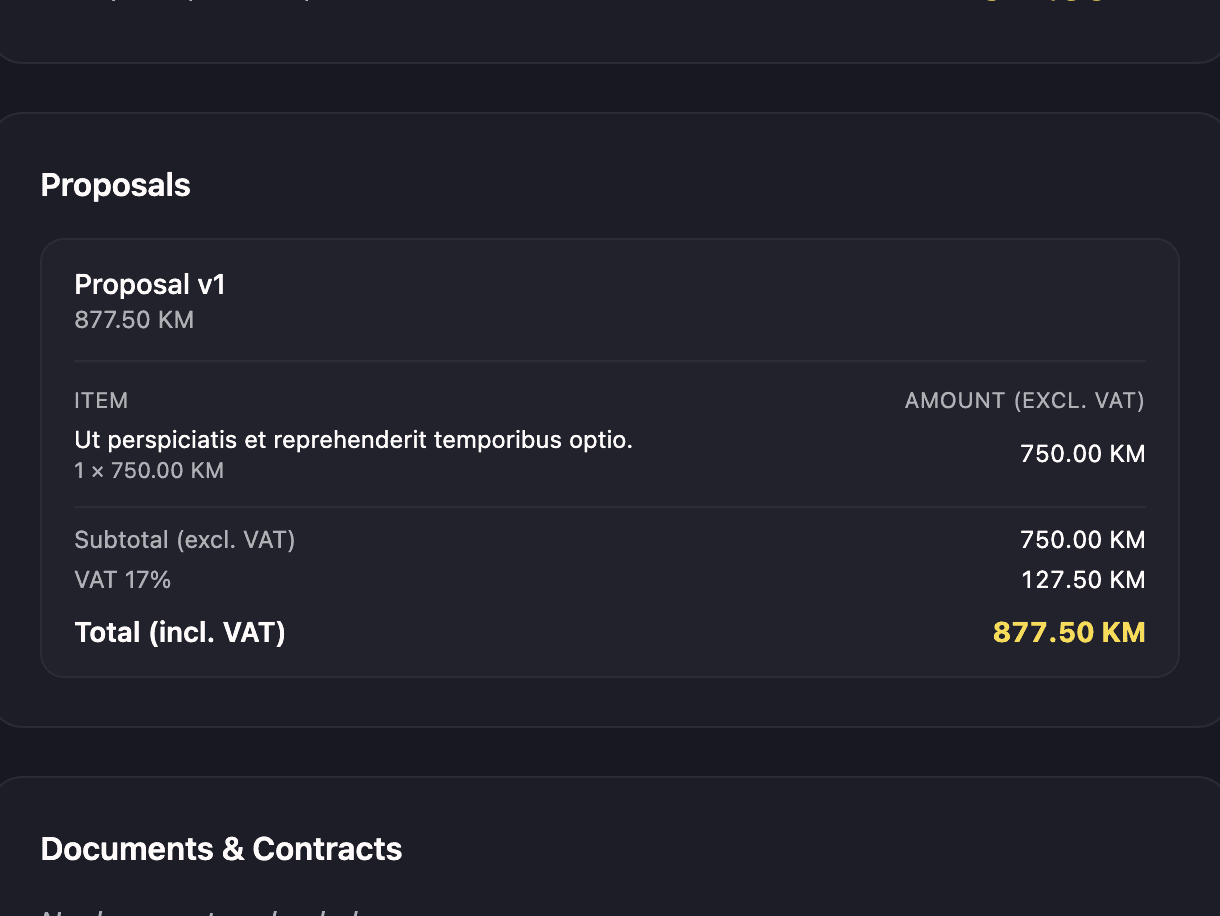
The latest proposal on a case.
Every revision is kept. The client accepts or declines from the client portal, and staff turn the accepted version into the invoice.
- Contract, house rules and liability waiver made from the case
- Deposit amount and paid date tracked apart from the invoice
- Create, send and mark an invoice paid from the billing tab
Client portal
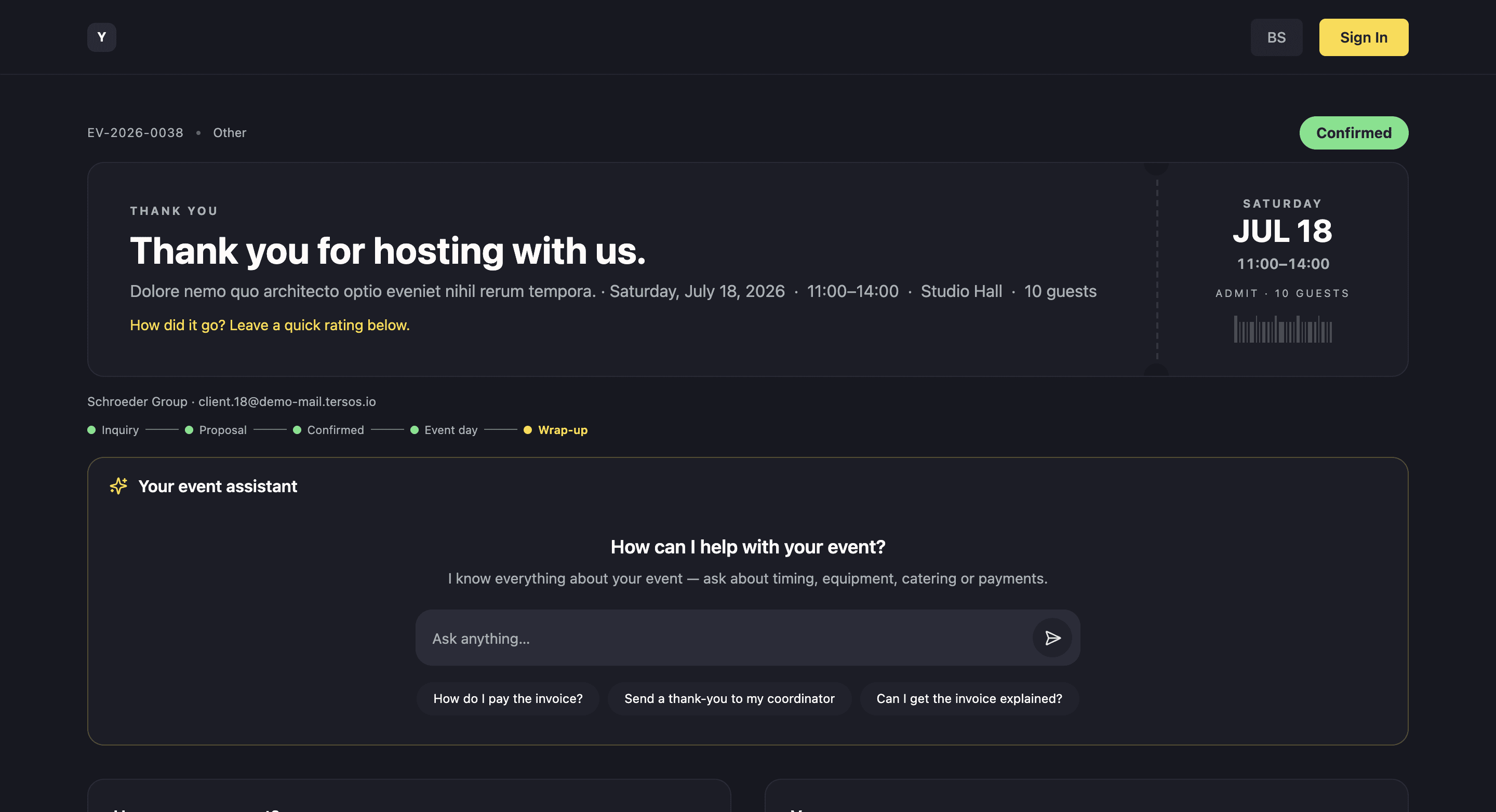
The client gets a portal from a link, with no account to create.
One private link opens the client’s own view of their event: documents and proposals to download, the task list, requirements they can update themselves, a feedback form, and accept or decline on a proposal. Staff can issue a fresh link at any time.
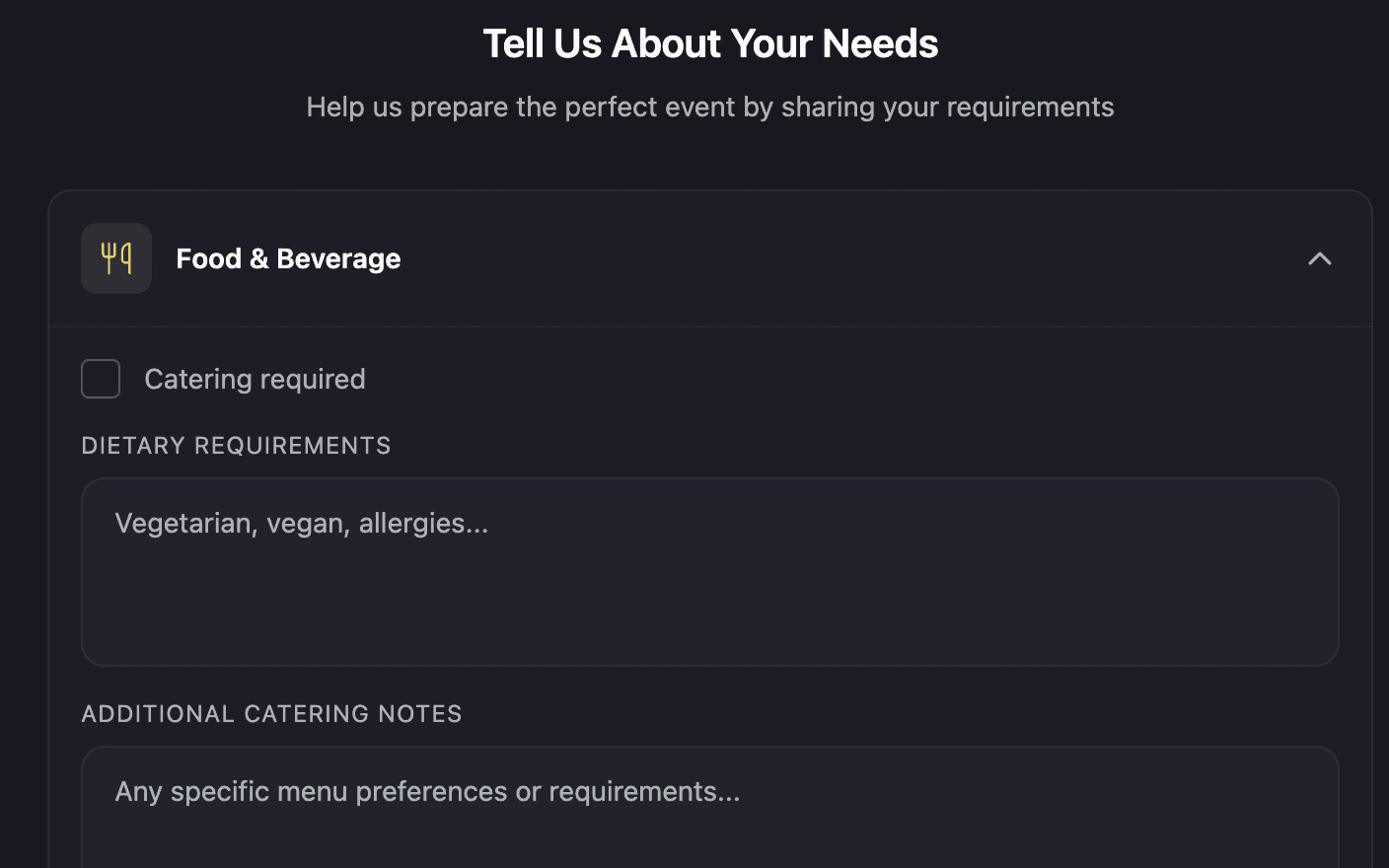
Requirements the client edits
The client updates guest count and needs in the portal; the case changes with it.
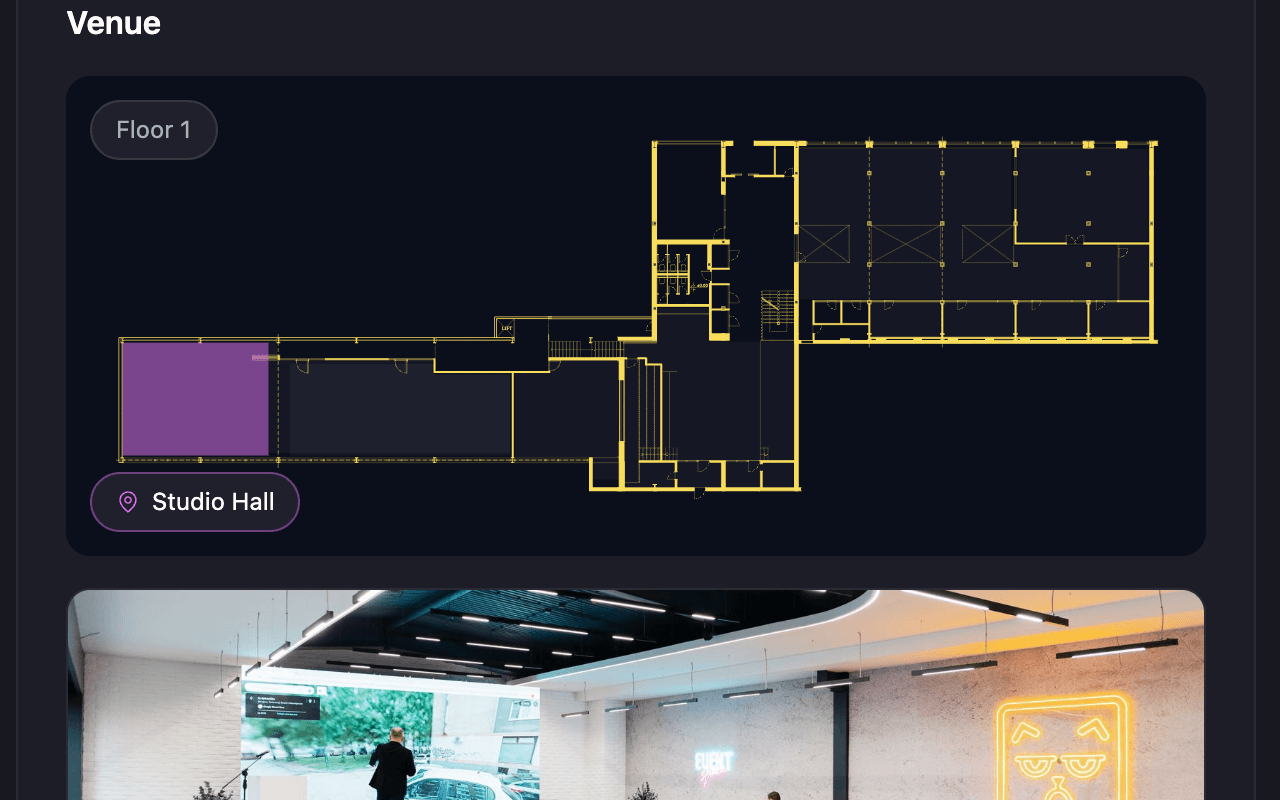
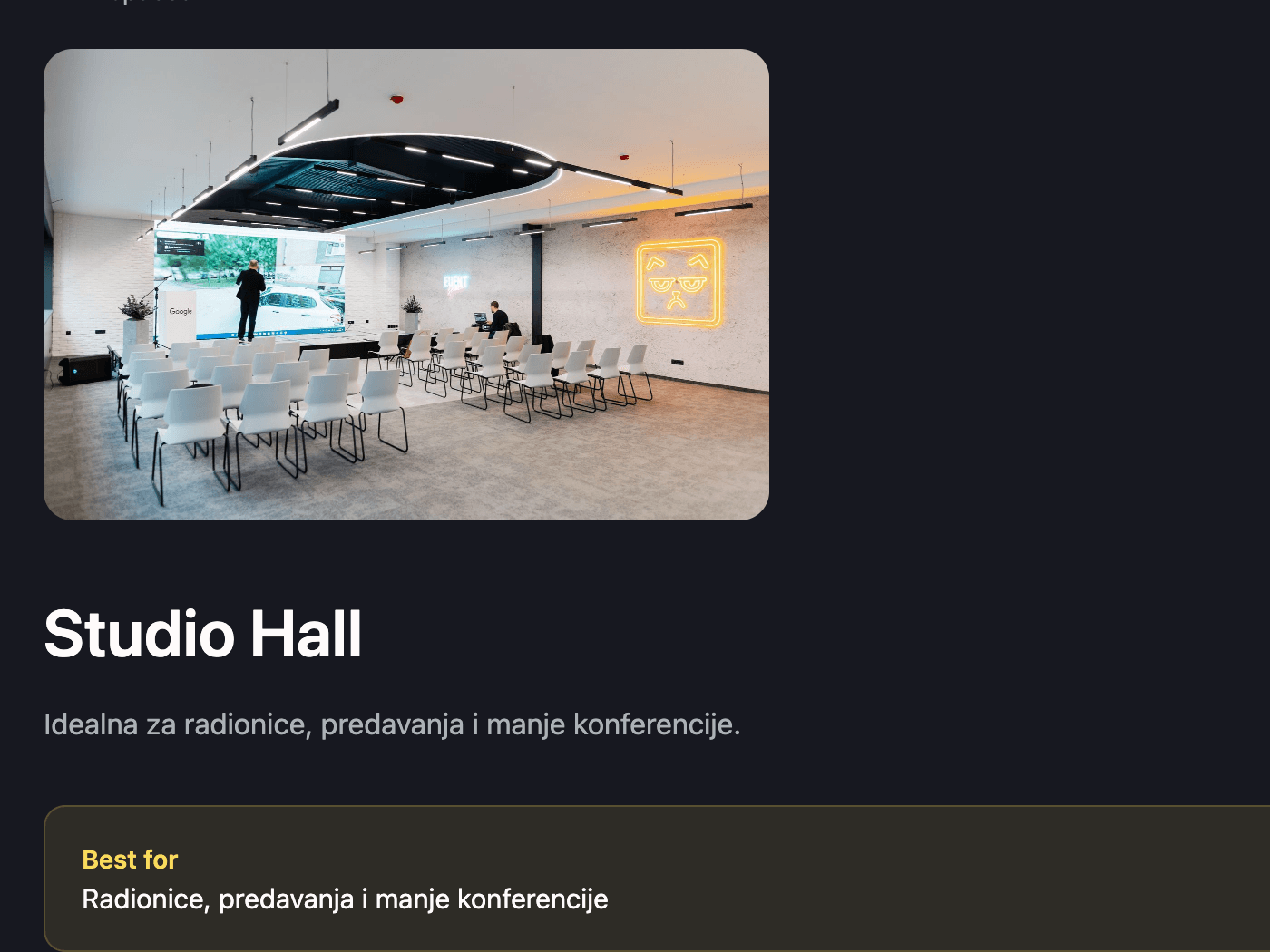
The venue, as the client sees it
Space details and what is being prepared, on the same page as the paperwork.
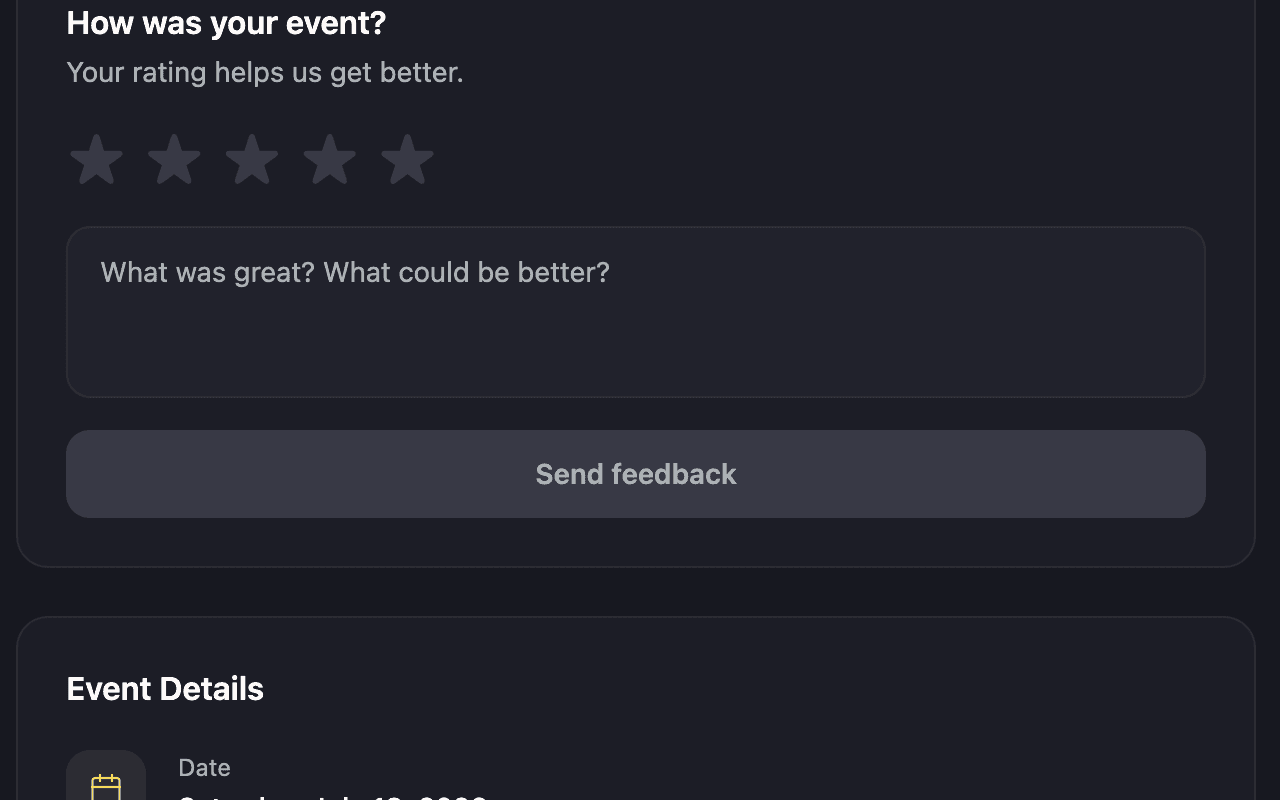
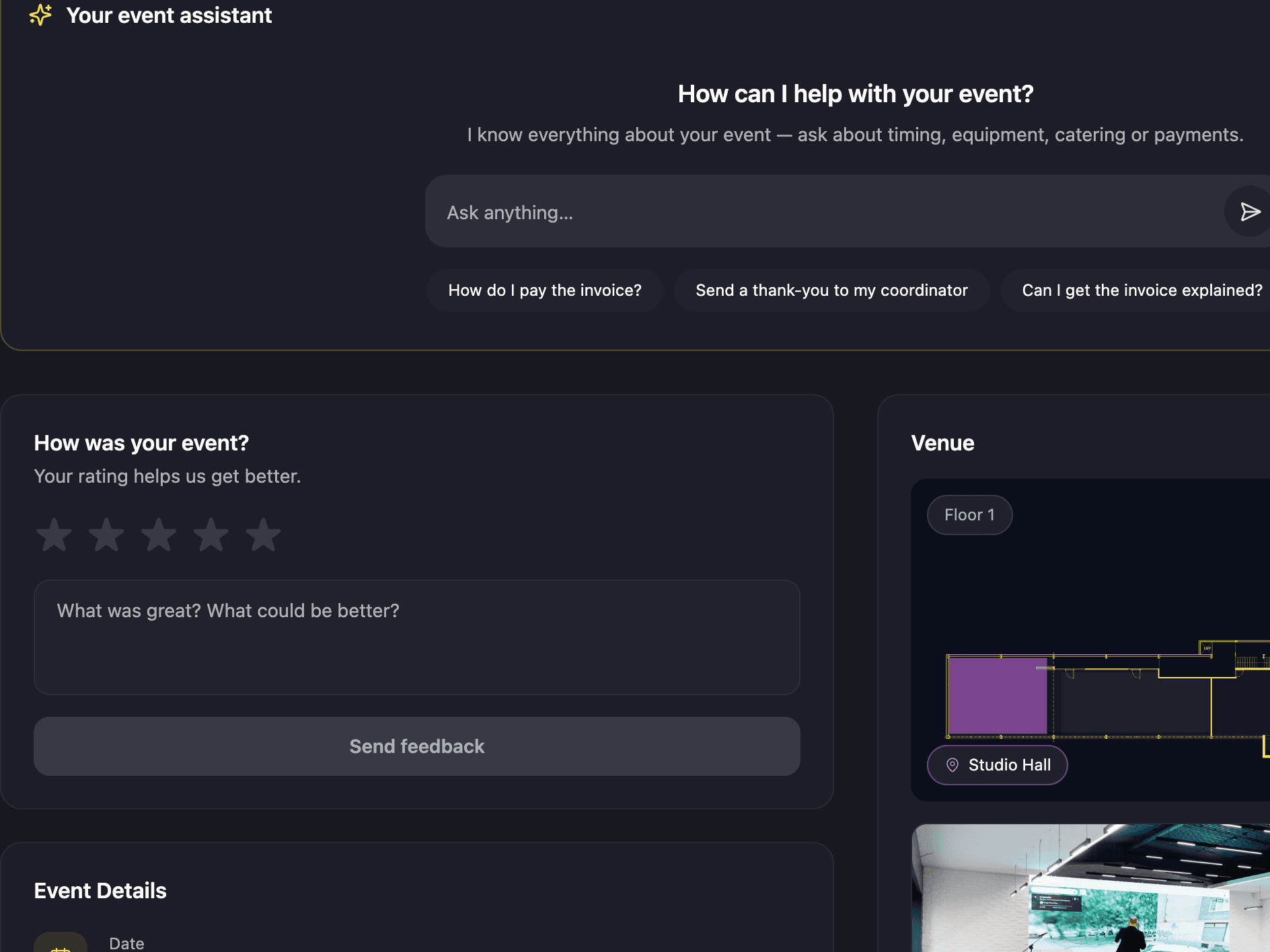
Feedback after the event
A feedback form on the portal, attached to the case.
Community events
Community events take registrations, run a waitlist and check people in at the door.
An event can be public or members-only, with a capacity and a registration window. When it fills up, the waitlist queues people in order and emails them when a place opens. Reminders go out the day before and two hours before, and at the door staff scan a ticket or search the list.
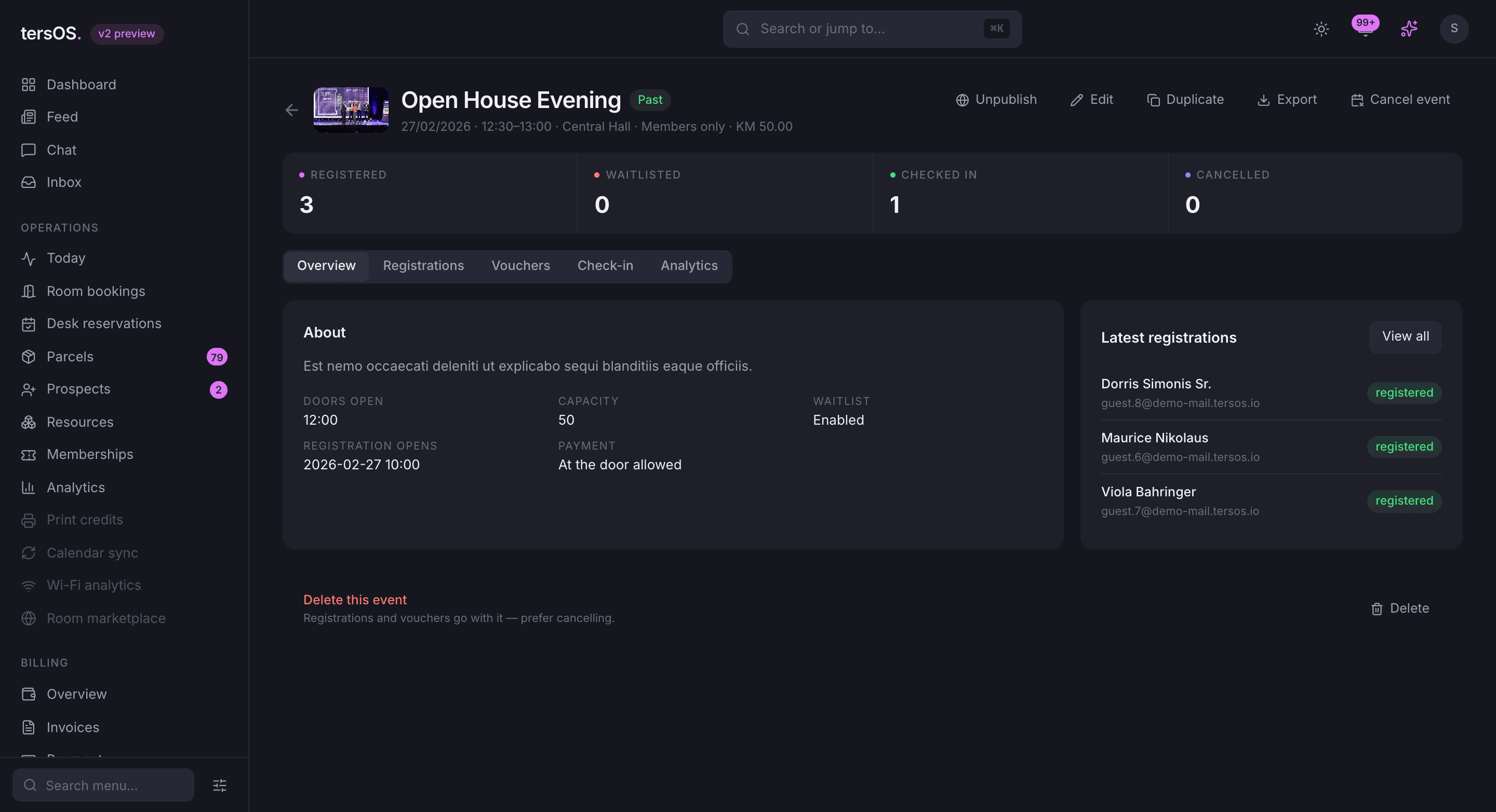
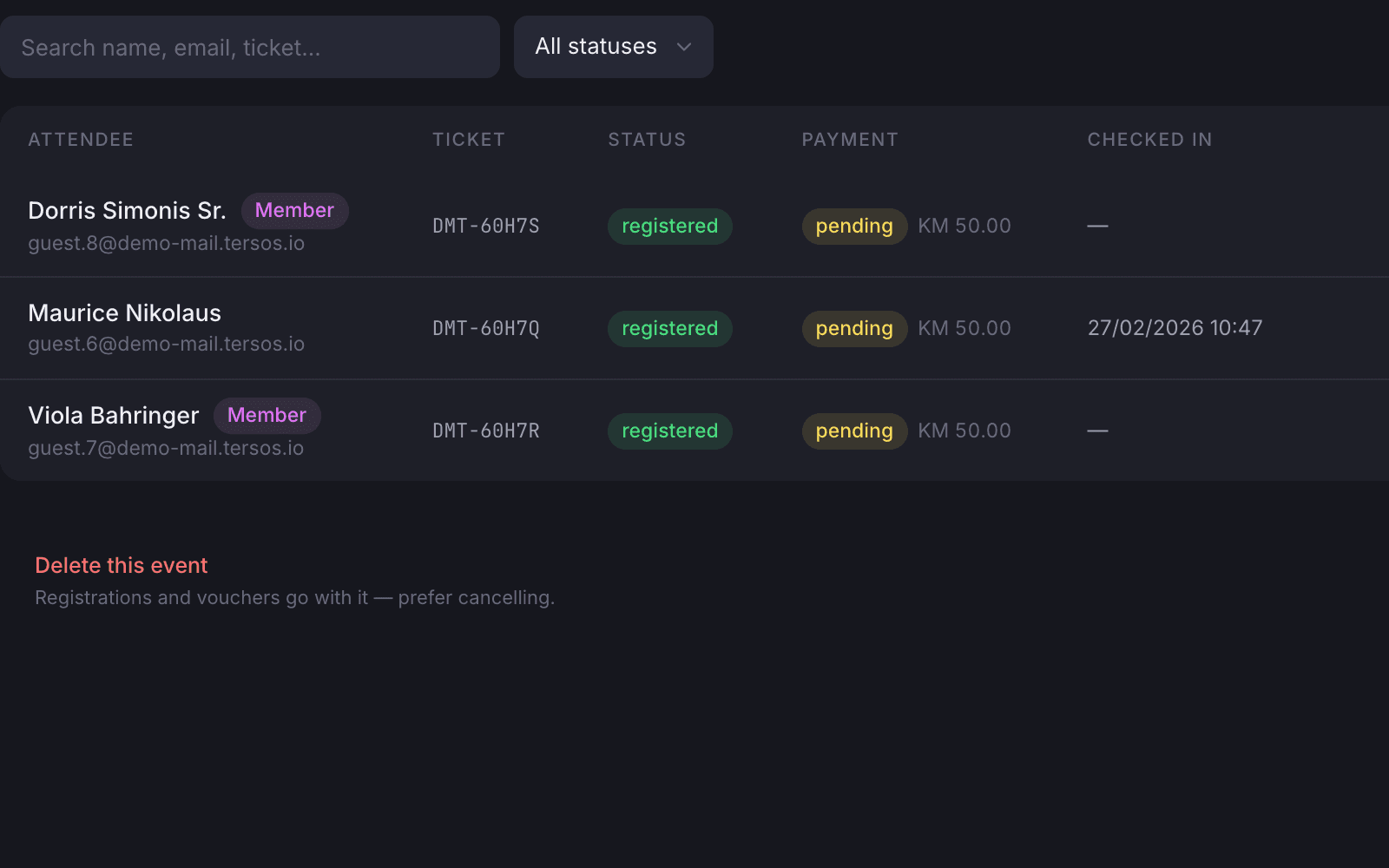
Registrations and payment status
Staff mark a registration paid by cash or bank transfer, waive it or refund it.
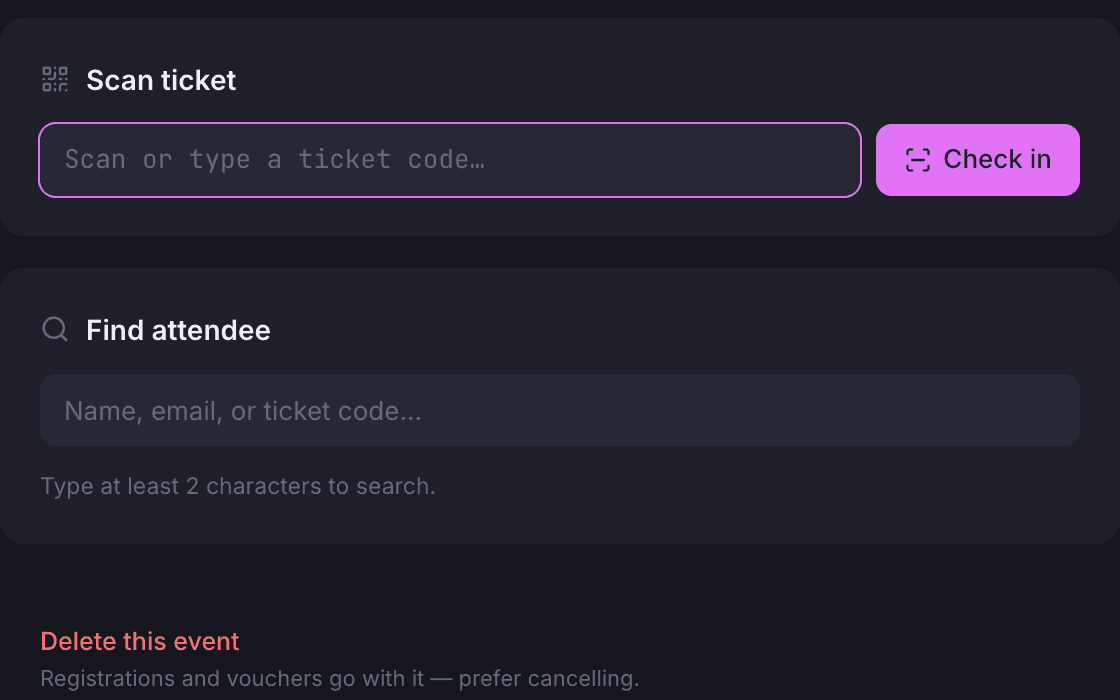
Door check-in
Scan the ticket code or search the attendee by name.
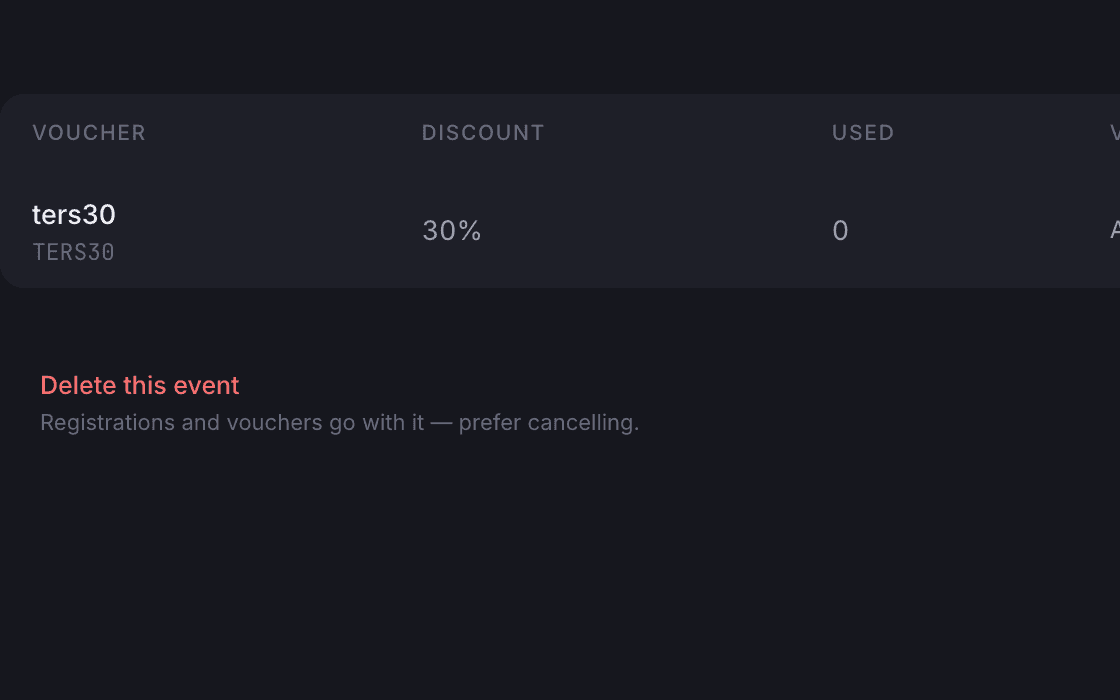
Voucher codes
Create and switch off codes per event; the guest sees the discount before registering.
Venue catalogue
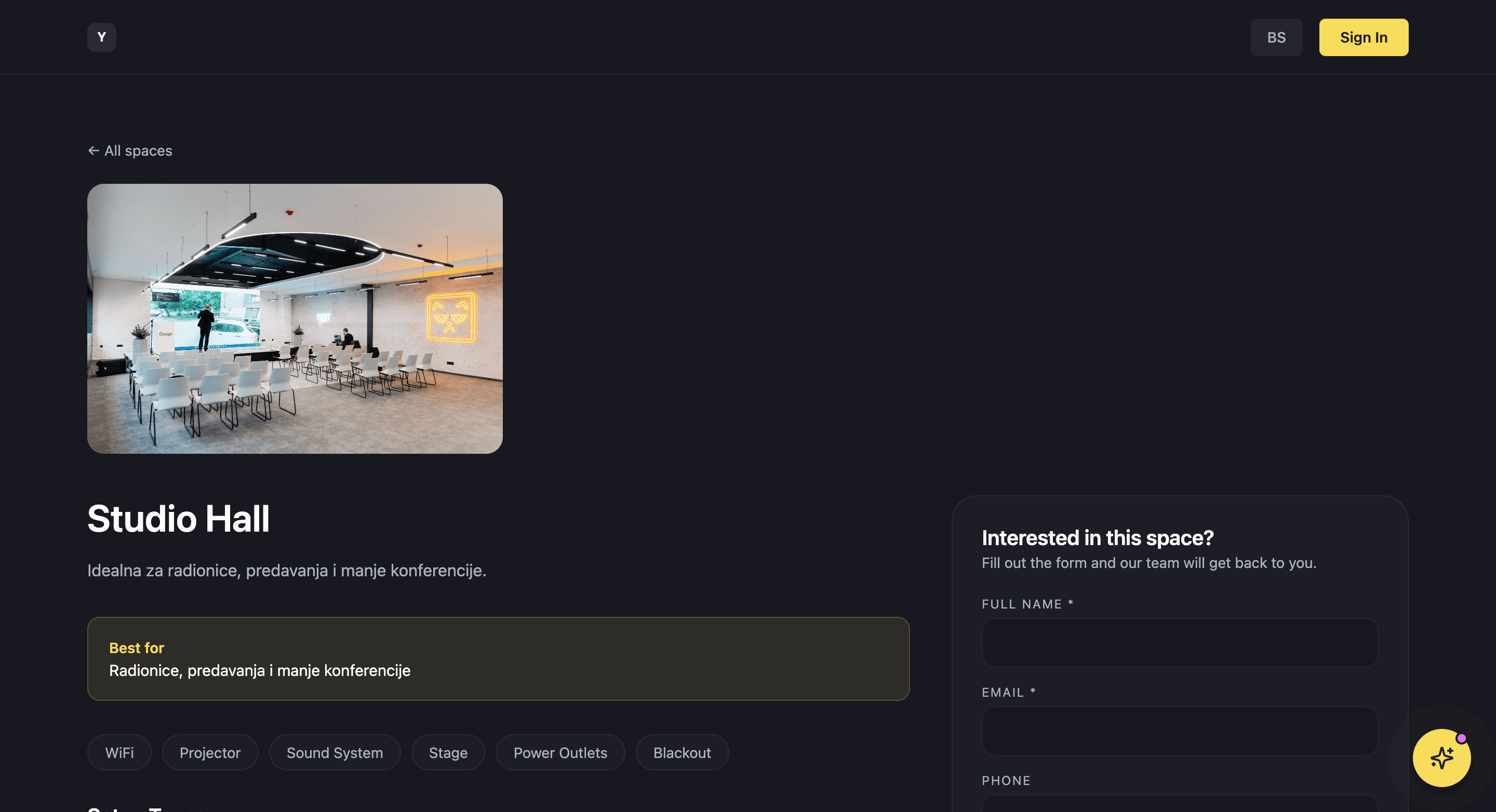
Your venues are a public catalogue, and an inquiry from it lands in the pipeline.
Each event space has its own public page with a gallery, amenities, setup types with their capacities, past clients and reviews. Visitors filter venues by capacity, amenity and setup. An inquiry from the page lands in the pipeline with a conversion likelihood based on past inquiries.
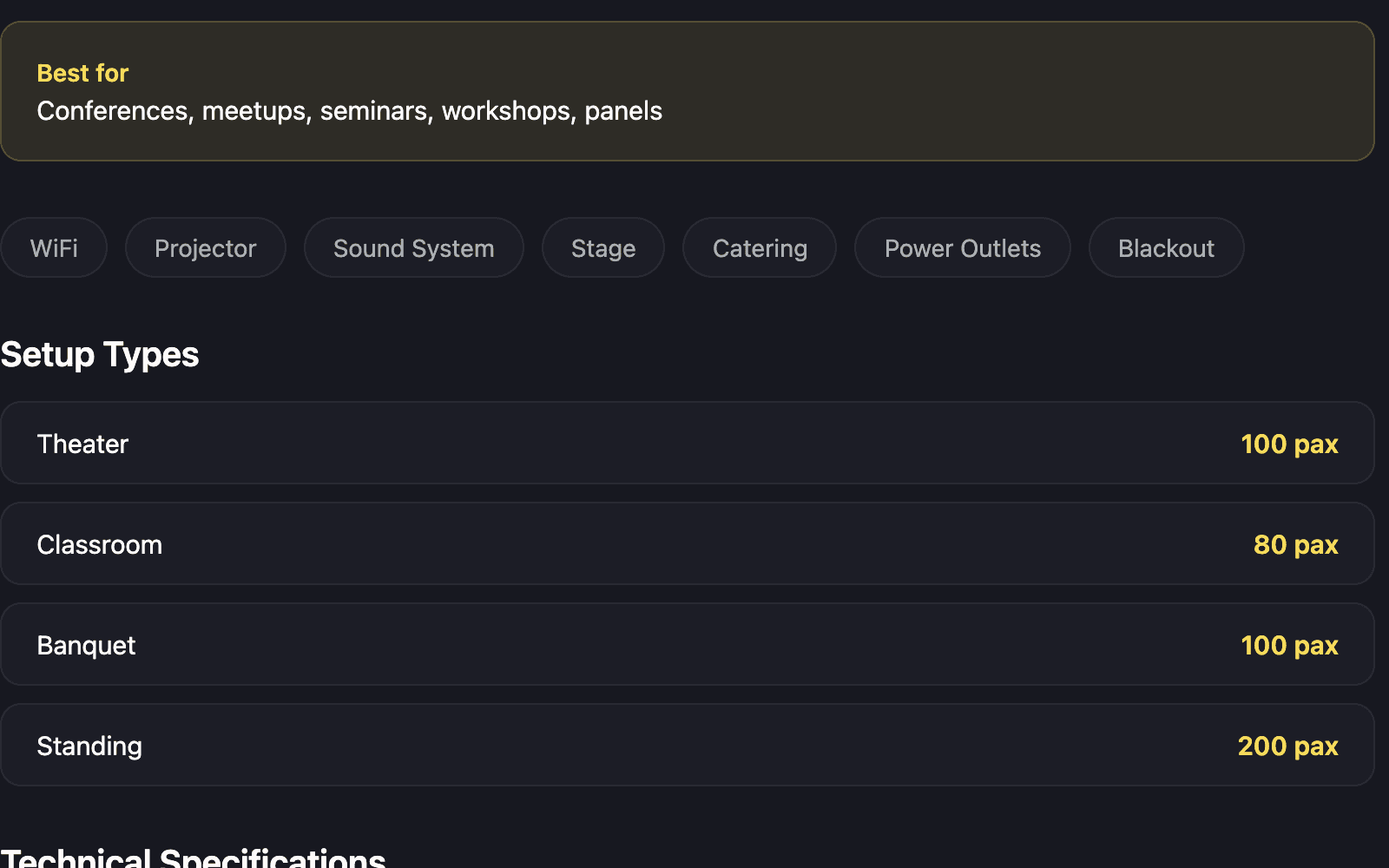
Setup types and capacities
Standing, seated, boardroom and the rest, each with its own capacity.
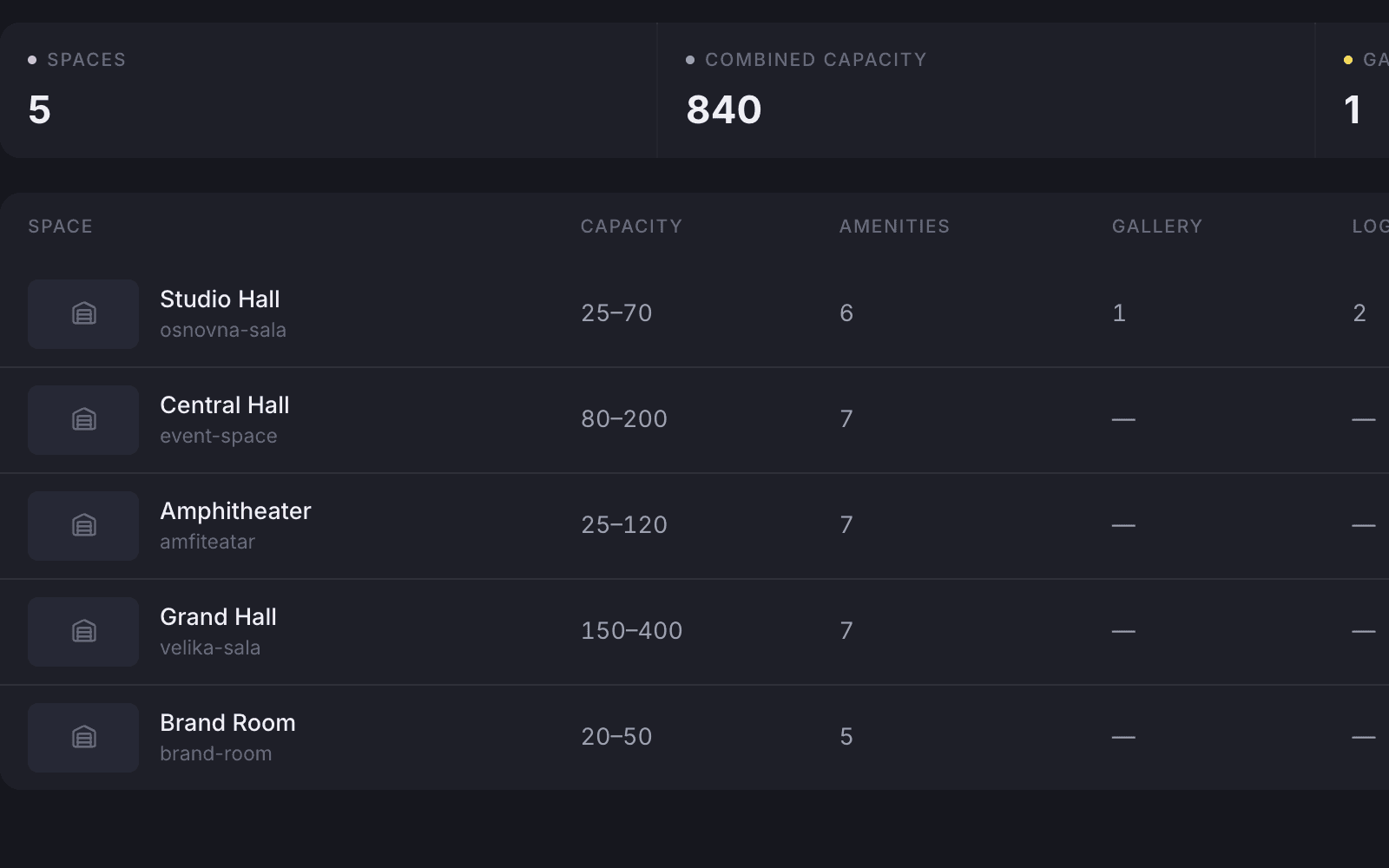
Venues in the backoffice
Staff manage every venue from one list.
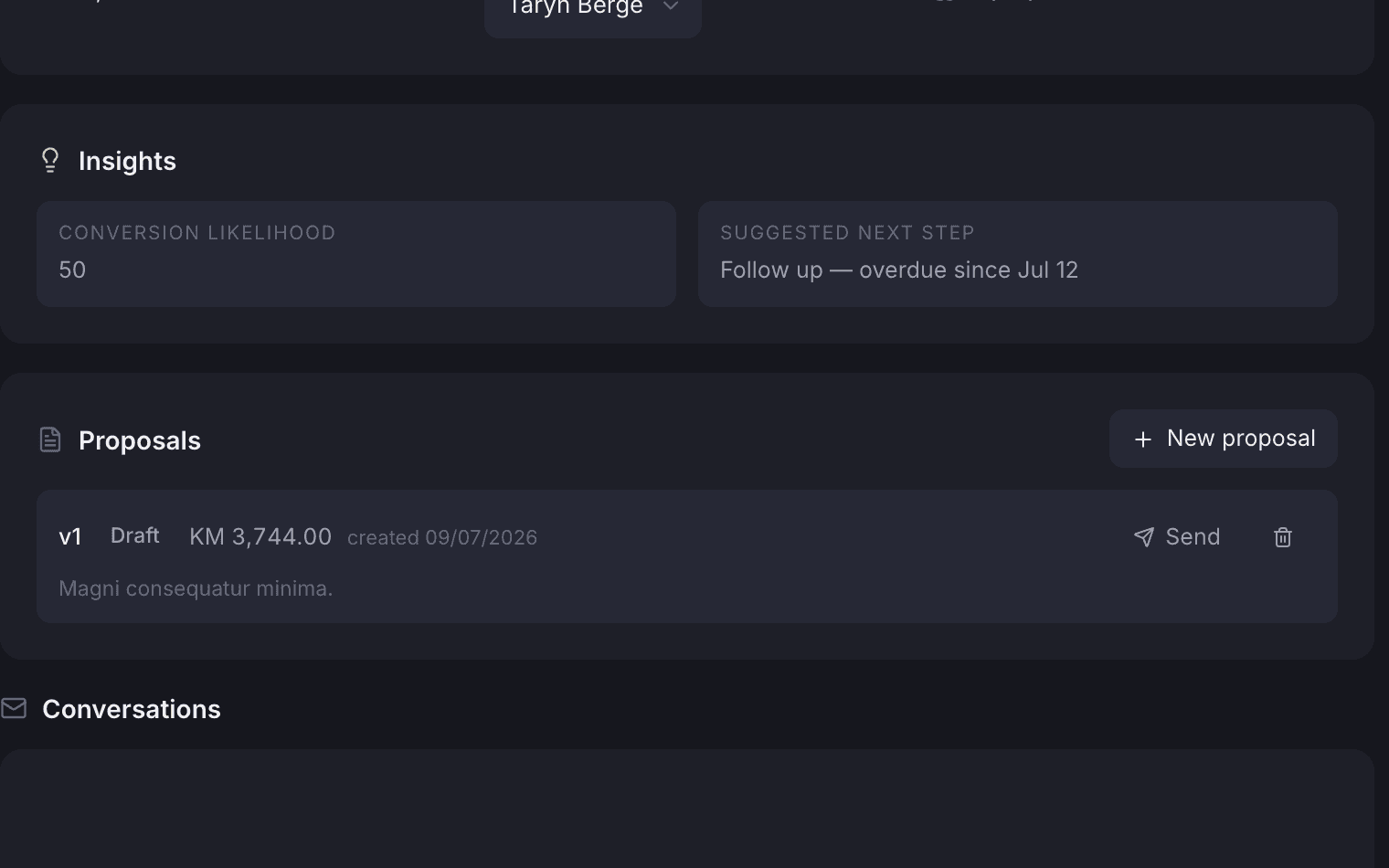
Each inquiry gets a conversion likelihood
Every inquiry shows how likely it is to turn into a booking.
Where it shows up
The same event, for staff, the client and the public.
The case in the backoffice, the client portal and the venue page a visitor browses all show the same event. A change on one side shows up everywhere.
Also included
The rest of what Events does.
Cases
- Public inquiries become cases with their history attached
- Catering providers directory and a catering brief emailed to the provider
- Confirmation, reminder and thank-you emails sent from the case
- Details request and proposal emails
- Reports on conversion rate, pipeline health, revenue and salespeople
Money
- Proposals with revisions, accept and decline
- An accepted proposal becomes an invoice
- Deposit required, amount and paid date on the case
- Create, send, mark paid and download the invoice from the billing tab
- Prices are net, with VAT applied on the invoice
Community and public
- Events public or members-only, with capacity and a registration window
- Waitlist with a queue position and an email when a place opens
- Attendee list export to a spreadsheet
- Guests look up or cancel a ticket on the Public Hub without a login
- Venue pages filterable by capacity, amenity and setup
The portal assistant
The client asks the portal what is still missing, and it answers from the case.
Inside the client portal, an assistant that knows only that one event answers questions about it, what is still missing and how to pay, updates the requirements and passes a message to the coordinator. Every conversation is saved on the case, so staff see what was asked.
“Is there anything you still need from us?”
tersAI — Two things: the final guest count and your AV list. The deposit is paid and the loading dock is reserved for 08:00.
“The guest count is 48.”
tersAI — Updated to 48 guests. Your coordinator will see the change on the case.
a requirement changed from the portal, in conversation
“No more lost event inquiries. Everything stays in one place.”The tershouse team, Sarajevo